

What Date Was 30, 60, or 90 Days Ago?
Counting backward is somehow harder than counting forward, even though it's the exact same math. Maybe it's because you're usually doing it under a bit of pressure - trying to figure out when a charge actually posted, or when a 90-day window technically started, or just settling an argument about when something happened. Whatever the reason, it's easy to get it wrong by a day or two, especially once you cross a month's boundary.
This is a guide to getting it right, covering the three lookbacks people ask about most: 30, 60, and 90 days ago. There's a calculator at the end that'll do the actual subtraction for you, but the reasoning behind it is worth knowing too - particularly the bit where "90 days ago" and "three months ago" aren't always the same date.
The Short Version
The exact date depends on today's date, obviously, which is why this article isn't going to hardcode an answer that'll be wrong by tomorrow. The quickest route is TimerStart's Subtract Days tool - type in your starting point and how many days back you need, and it'll give you the date in a second or two. Works the same for 30 days, 90 days, or any number in between.
How the Math Actually Works
It's the same logic as adding days, just run in reverse. Start at your reference date, step backward the number of days you need, and you arrive at the answer. The two things that usually cause trouble: whether today itself counts in the total, and what happens when your count crosses into a shorter or longer month.
Going back 30 days from March 5th lands you somewhere different than going back 30 days from May 5th, purely because February sits in between with fewer days than the others. It's a small detail, but it's exactly the kind of thing a calculator handles without you having to think about it.
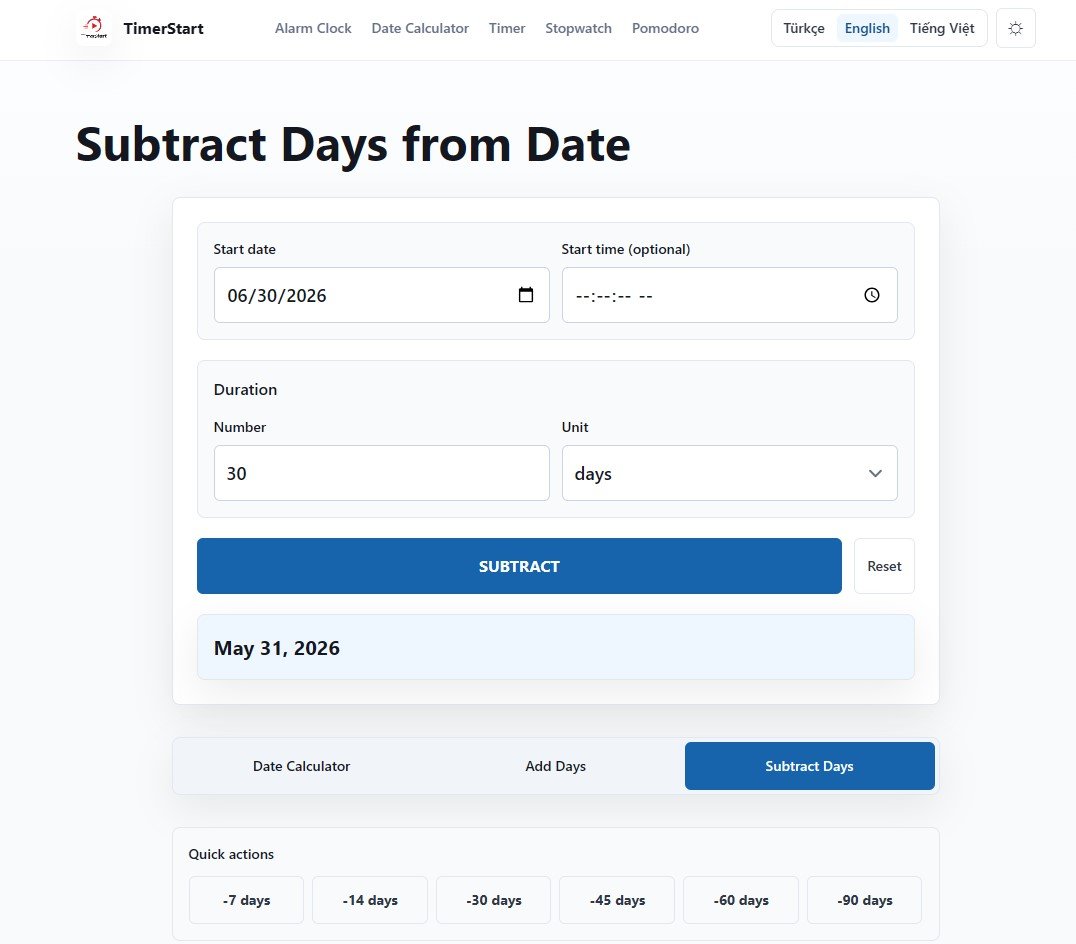
What Happened 30 Days Ago?
This is usually the lookback people reach for when something feels recent but they need the exact date anyway. Billing is a common one - figuring out when a charge actually went through, or when a subscription period started, especially if there's a dispute brewing. Free trials get checked this way too, often right around the point someone starts wondering if they're about to get charged.
It also covers more mundane stuff: pulling the start date for a monthly report, or realizing it's been about a month since you followed up on something and it's time to check again. Thirty days back doesn't always land exactly "one month ago" on the calendar - depending on which months are involved, it can be off by a day or so.
What Happened 60 Days Ago?
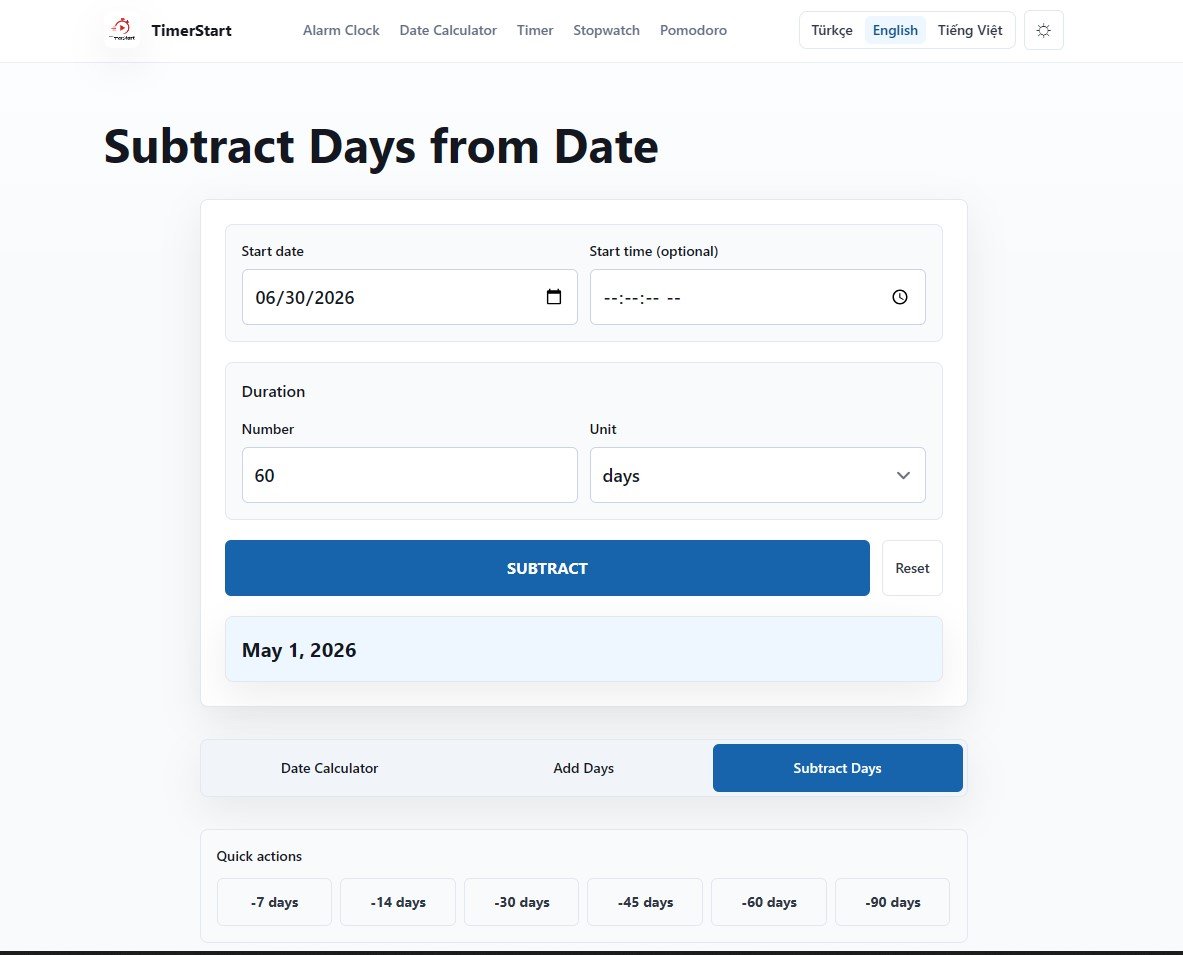
Two months back tends to come up when 30 days isn't quite far enough - checking the state of a project from a couple months prior, confirming when an application actually went in, or digging up a travel booking to see when it was made. It's also a reasonable middle distance for following up on something that's been sitting too long without a response.
Same caveat as with 30 days: "60 days ago" and "two months ago" are close, but not guaranteed to be the same date, depending on the months you're crossing. If you need the precise one, Subtract Days will give it to you.
What Happened 90 Days Ago - and Why It's Not "Three Months Ago"
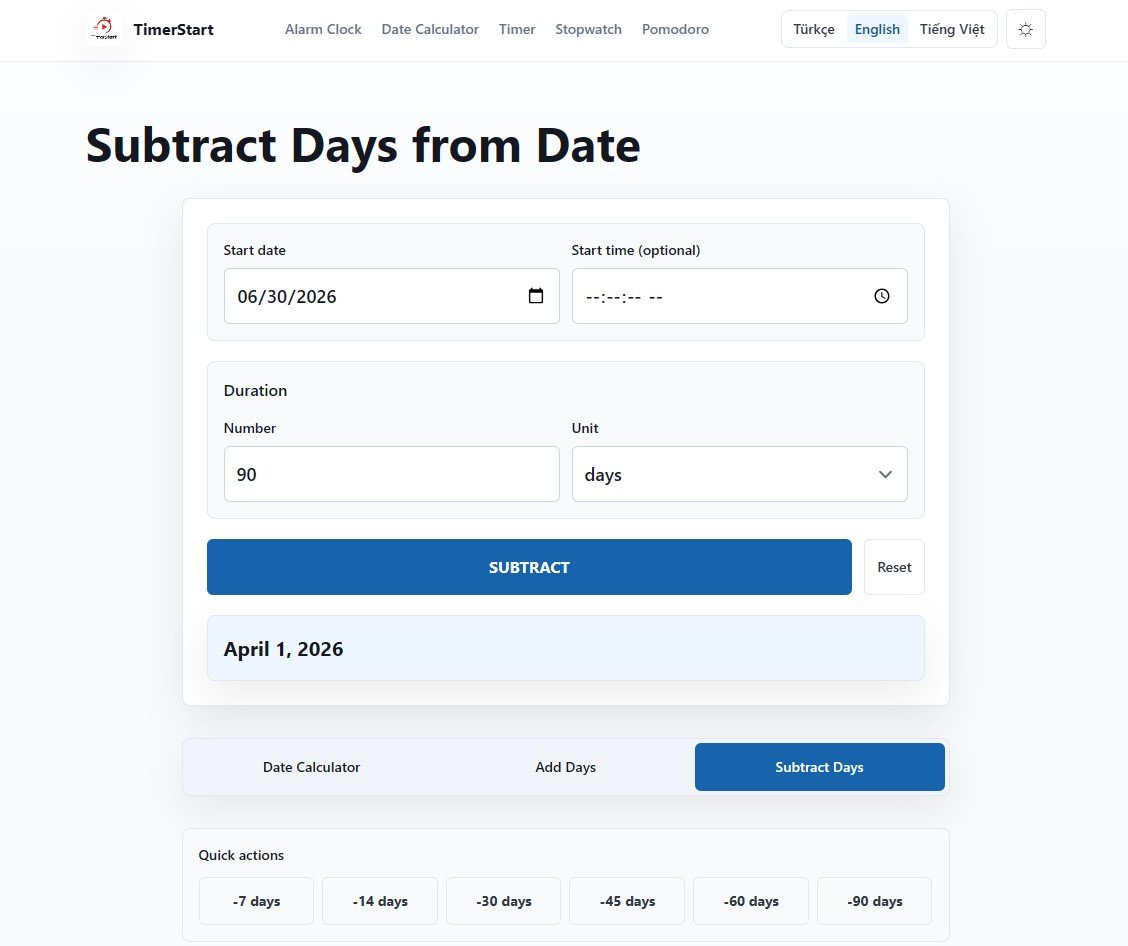
Ninety days ago is the search people run most often, and it's also where the confusion tends to cluster. It shows up in 90-day review periods, renewal lookbacks, progress check-ins, and general record-checking - basically any time someone needs to know exactly where a quarter-length window started.
The thing worth repeating: three calendar months isn't always 90 days. Depending on the specific months involved, it can be 89, 90, 91, or 92. So if you're working backward from a rule that says "90 days," that means ninety actual days counted one at a time - not whatever date happens to fall three months back on the calendar. The gap is usually small, a day or two, but it matters when there's an actual deadline or eligibility window riding on it.
Calendar Days vs. Business Days, Looking Backward
Same distinction applies in reverse as it does going forward. Calendar days are every day, no exceptions. Business days generally mean weekdays only, and depending on the context, public holidays might get excluded too.
The difference compounds quickly once you're counting backward across multiple weeks - "30 business days ago" is considerably further back than "30 days ago" once you factor in the weekends in between. TimerStart's Subtract Days tool works in calendar days by default. If you're trying to verify something against a rule that specifically uses business days - which a lot of legal and administrative processes do - that's worth confirming with whoever set the original deadline, since the tool won't make that call for you.
The Mistakes That Keep Happening
A handful of the same errors come up over and over.
- Treating 90 days ago as interchangeable with three months ago, when it usually isn't exactly that.
- Forgetting that a rule was based on business days rather than calendar days, and ending up with a date that's weeks off from expected.
- Losing track of whether today counts as the starting point or not.
- Ignoring time zones when a record or deadline is tied to a specific cutoff time.
- Mixing up date formats - reading 04/05 as April 5th when it actually meant May 4th.
None of these are complicated mistakes. They're just easy to miss until they actually cost you something.
Using the Subtract Days Tool
When you'd rather skip the mental math, subtract days from date does it directly - enter your starting date, set how many days to go back, and the past date comes back instantly. It works the same whether you're checking something from a week ago or a year ago.
Worth knowing that TimerStart has related tools too: the date calculator for finding the gap between two existing dates, and add days to date if you actually need to go forward instead of back.
Quick Answers
These answers cover the most common questions people have when subtracting 30, 60, 90, or any custom number of days from a date.
How do I figure out what date was 90 days ago?
Enter today's date and 90 into the Subtract Days tool. It accounts for month lengths and leap years on its own.
Is 90 days ago the same as three months ago?
Close, but not guaranteed. Three months can be anywhere from 89 to 92 days depending on which months you're spanning.
Do weekends count when subtracting 30, 60, or 90 days?
In calendar days, yes - they're included by default unless you're specifically counting business days.
What's the real difference between calendar days and business days?
Calendar days count every day. Business days are usually weekdays only, sometimes excluding public holidays as well, depending on the rule.
Can I count back from a date other than today?
Yes, you can set any starting date and the tool will subtract from there.
Does a leap year throw off the calculation?
Only slightly, and only if your range crosses a February with 29 days. The tool adjusts for it automatically.
Does time zone matter here?
The date itself stays the same, but if there's a specific cutoff time involved, that time can land differently depending on the time zone being used.
Can I rely on this for a legal, tax, or visa deadline?
You can use it to get a calculated date, but it's not a substitute for legal, tax, immigration, or medical advice. For anything with real stakes, confirm the exact counting method with the relevant authority.
What if I need to count forward instead?
That's what Add Days is for.
Is there a faster way than counting by hand?
Yes - that's the entire point of using a calculator instead. Manual counting is where most of these mistakes start.
What does "30 days ago" mean?
"30 days ago" means 30 calendar days before today. It includes weekdays, weekends, and holidays unless you are specifically calculating business days.
What date was 30 days ago from today?
Depends entirely on what today is, so there's no fixed answer to bookmark here. What you can count on is that it's roughly a month back, give or take a day depending on which month you're crossing. Punch your date into the Subtract Days tool and it'll hand you the exact one instantly, no need to count on your fingers.
What date was 60 days ago from today?
60 days ago means the date that came 60 calendar days before today. This type of calculation is useful for checking past deadlines, billing periods, reminders, return windows, and project timelines.
What date was 90 days ago from today?
This is the one people get wrong most, mostly by assuming it lines up with "three months ago." It usually doesn't - as covered above, three months can land anywhere from 89 to 92 days depending on the months involved. If a deadline or eligibility window specifically says 90 days, that means 90 actual days, counted one at a time. Let the calculator do that counting for you.
Are 30, 60, and 90 days ago counted as calendar days or business days?
Usually, "30 days ago," "60 days ago," and "90 days ago" mean calendar days. Calendar days include weekdays, weekends, and holidays. Business days usually exclude weekends and may also exclude public holidays.
Watch a Quick Walkthrough
Related reading
If you need to compare two fixed dates, read calculate days between two dates. If you need the future version of this guide, see 30, 60, or 90 days from today.