

Blog
TimerStart Blog
Practical guides about timers, alarm clocks, countdowns, and better ways to work with time.
Latest Guides
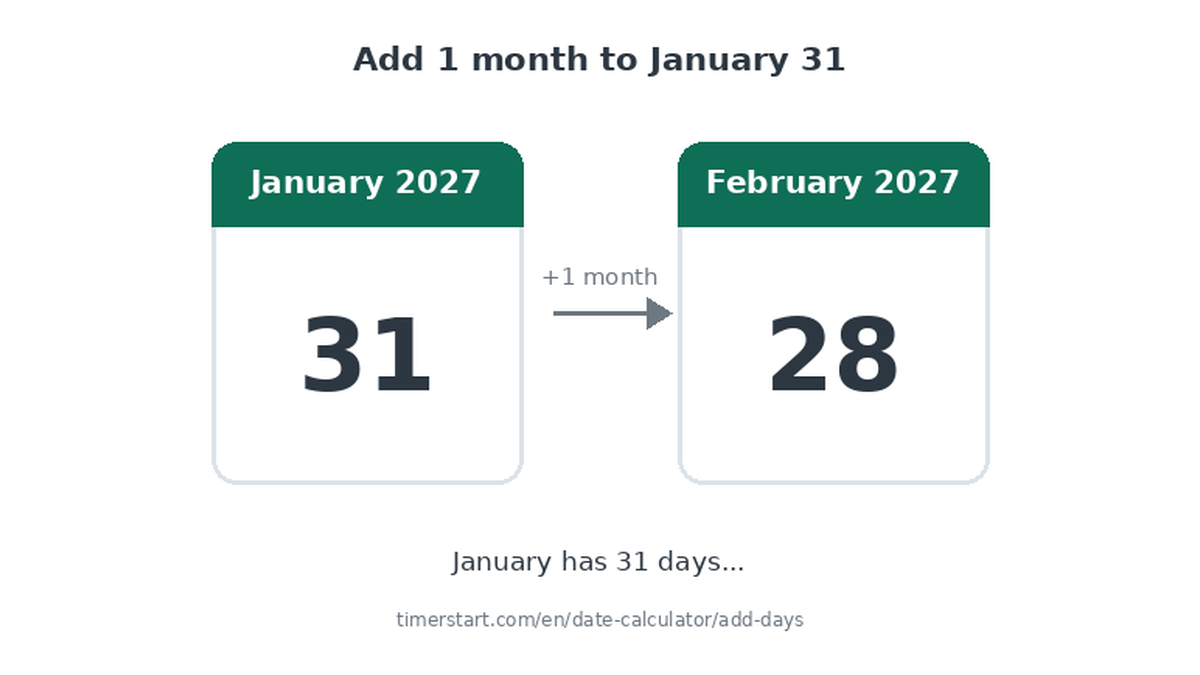 July 28, 2026 / TimerStart Editorial Team
How to Add Weeks, Months, or Years to a Date
Learn how to add weeks, months, or years to a date, including shorter-month and leap-year adjustments.
July 28, 2026 / TimerStart Editorial Team
How to Add Weeks, Months, or Years to a Date
Learn how to add weeks, months, or years to a date, including shorter-month and leap-year adjustments.
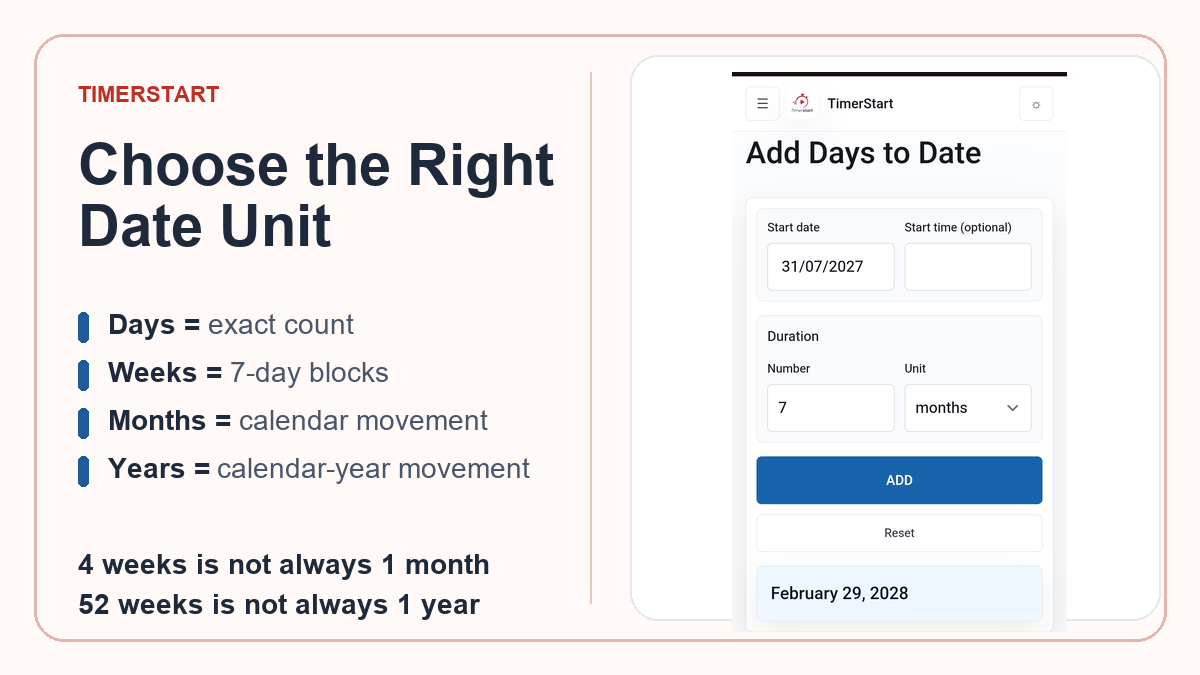 July 27, 2026 / TimerStart Editorial Team
Days, Weeks, Months, or Years: Which Date Calculator Unit Should You Use?
Learn when to use days, weeks, months, or years in a date calculator and why common conversions differ.
July 27, 2026 / TimerStart Editorial Team
Days, Weeks, Months, or Years: Which Date Calculator Unit Should You Use?
Learn when to use days, weeks, months, or years in a date calculator and why common conversions differ.
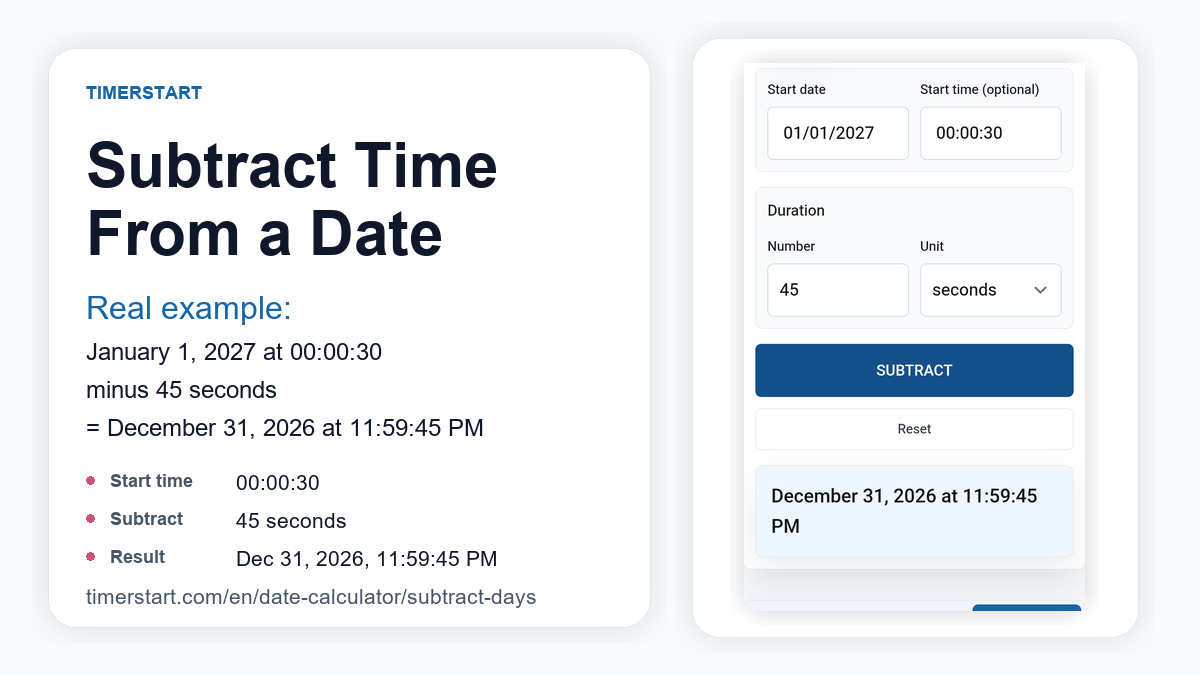 July 25, 2026 / TimerStart Editorial Team
How to Subtract Hours, Minutes, or Seconds From a Date and Time
Learn how to subtract hours, minutes, or seconds from a starting date and time, including midnight, month, and year rollbacks.
July 25, 2026 / TimerStart Editorial Team
How to Subtract Hours, Minutes, or Seconds From a Date and Time
Learn how to subtract hours, minutes, or seconds from a starting date and time, including midnight, month, and year rollbacks.
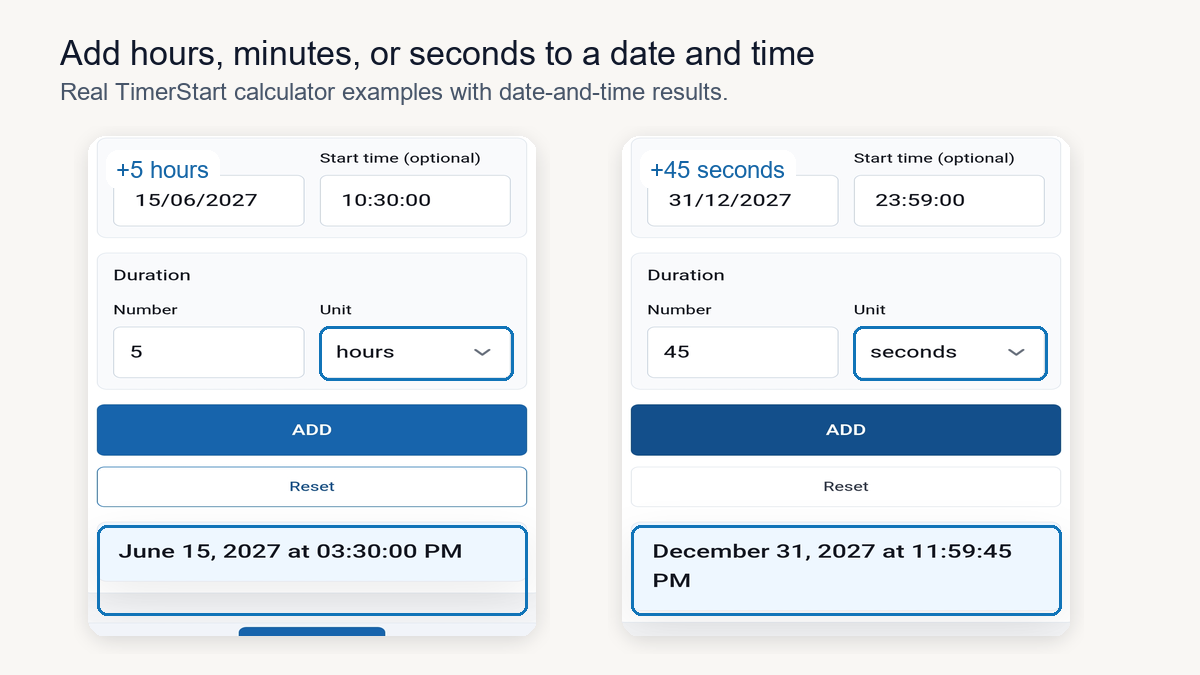 July 24, 2026 / TimerStart Editorial Team
How to Add Hours, Minutes, or Seconds to a Date and Time
Learn how to add hours, minutes, or seconds to a starting date and time, including midnight, month, and year rollovers.
July 24, 2026 / TimerStart Editorial Team
How to Add Hours, Minutes, or Seconds to a Date and Time
Learn how to add hours, minutes, or seconds to a starting date and time, including midnight, month, and year rollovers.
 July 23, 2026 / TimerStart Editorial Team
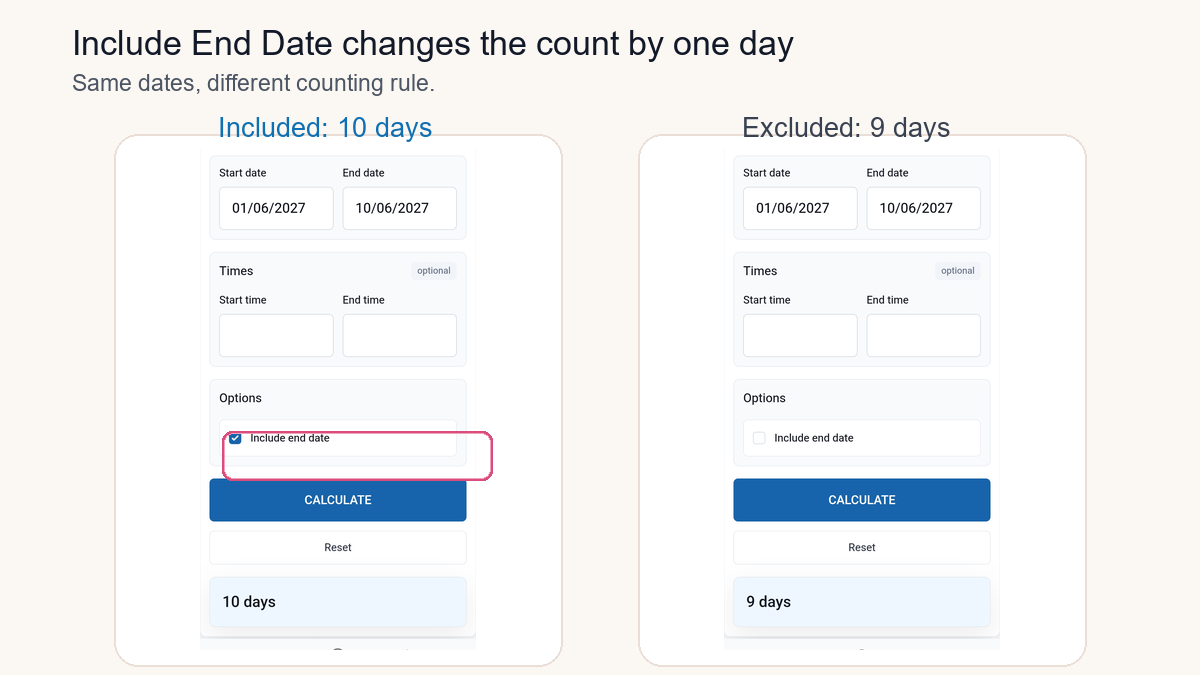
Should You Include the End Date When Counting Days Between Dates?
Learn when the final date should count, why calculators can differ by one day, and how TimerStart handles inclusive date counting.
July 23, 2026 / TimerStart Editorial Team
Should You Include the End Date When Counting Days Between Dates?
Learn when the final date should count, why calculators can differ by one day, and how TimerStart handles inclusive date counting.
 July 22, 2026 / TimerStart Editorial Team
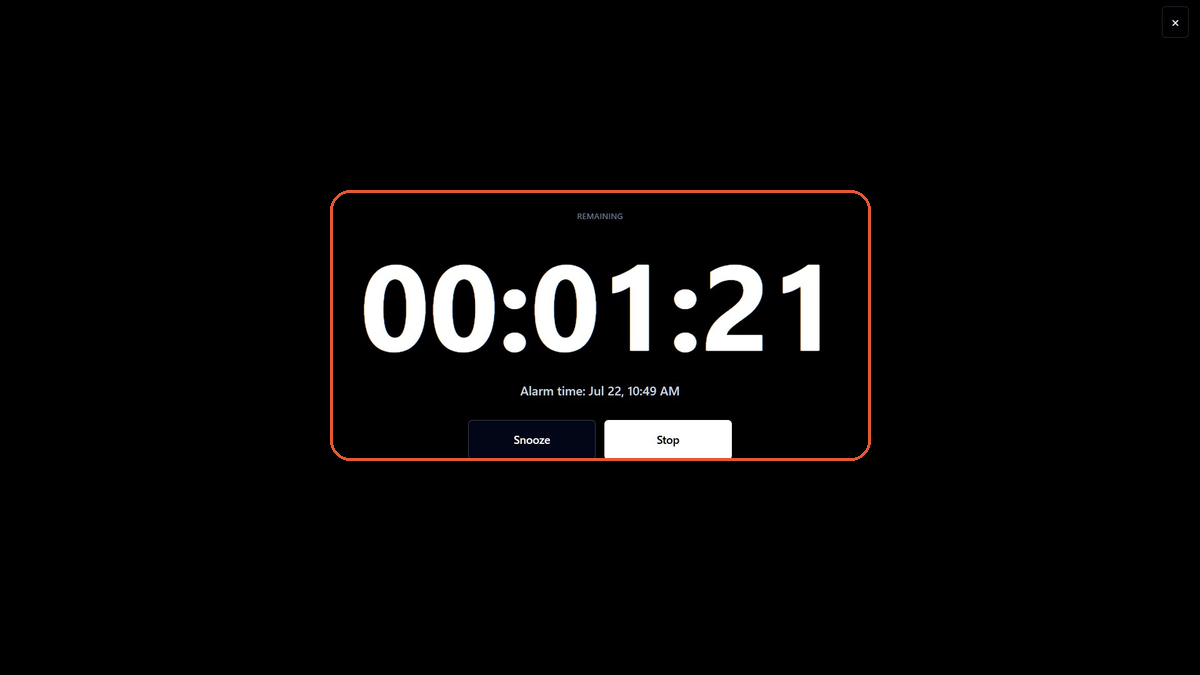
Why Your Browser Alarm May Not Ring on Time
Troubleshoot browser alarms that are late, silent, missed, or affected by tabs, sleep, battery saver, sound settings, or device clocks.
July 22, 2026 / TimerStart Editorial Team
Why Your Browser Alarm May Not Ring on Time
Troubleshoot browser alarms that are late, silent, missed, or affected by tabs, sleep, battery saver, sound settings, or device clocks.
 July 21, 2026 / TimerStart Editorial Team
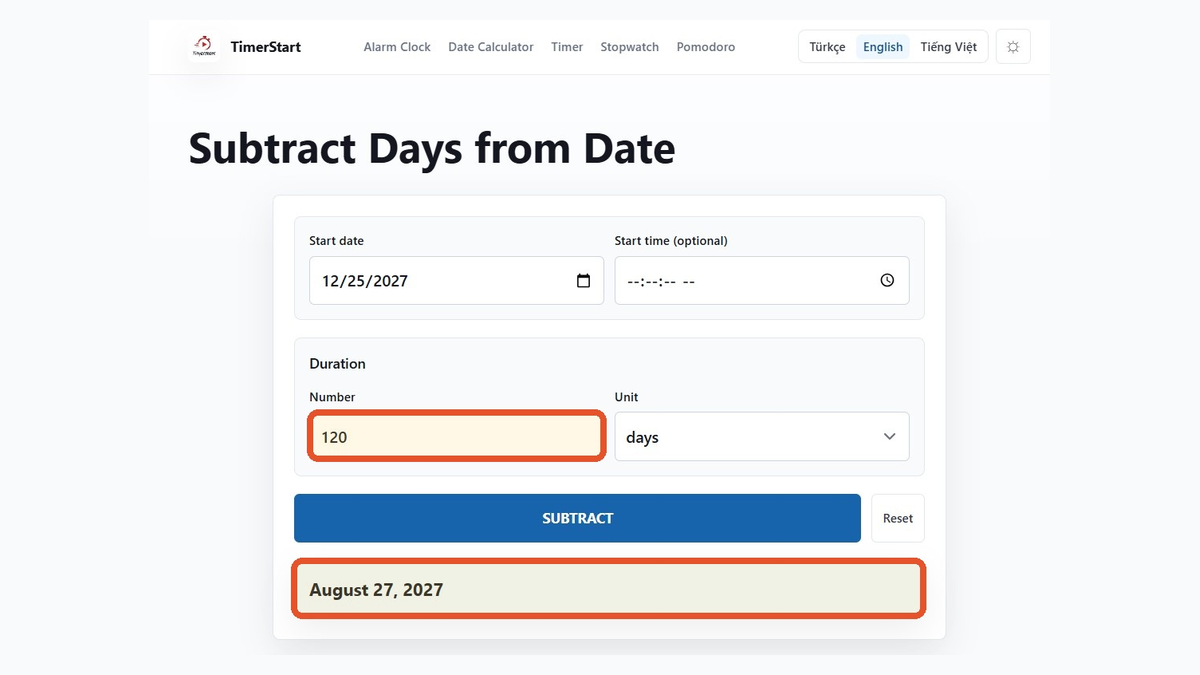
What Date Was 120 or 180 Days Ago?
Calculate 120 or 180 calendar days ago, compare days with months, and avoid common lookback-date mistakes.
July 21, 2026 / TimerStart Editorial Team
What Date Was 120 or 180 Days Ago?
Calculate 120 or 180 calendar days ago, compare days with months, and avoid common lookback-date mistakes.
 July 20, 2026 / TimerStart Editorial Team
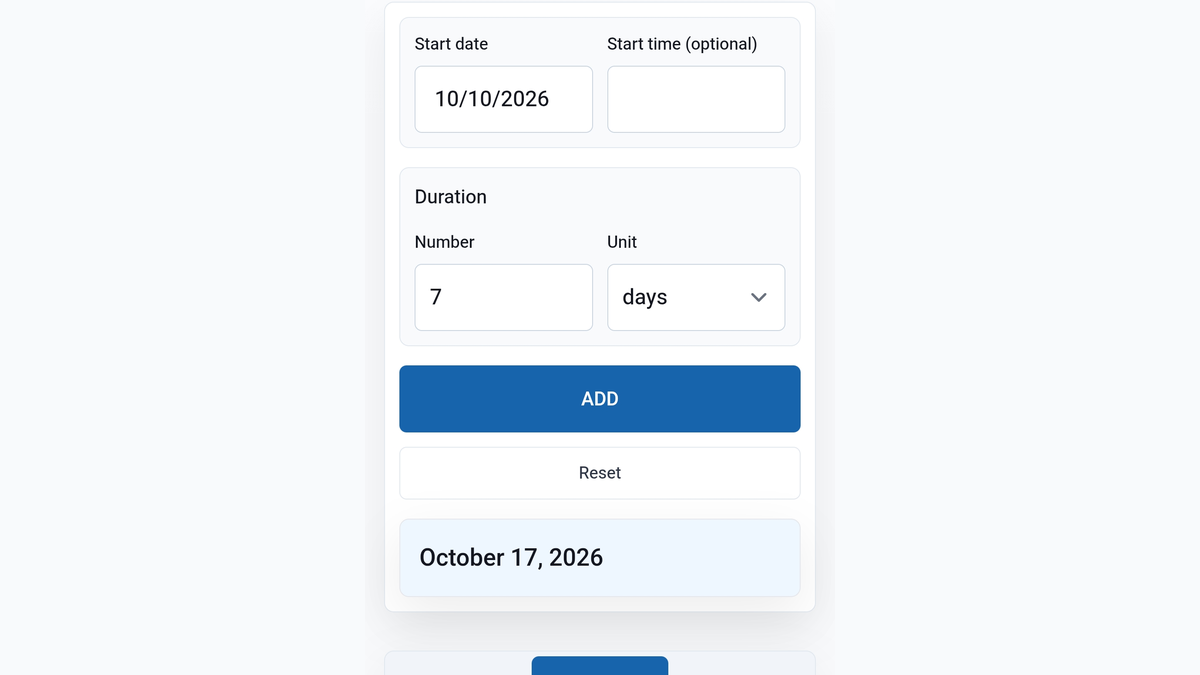
How to Add Days to a Date Without Counting Manually
Add days to any date, avoid month and leap-year mistakes, and find a future calendar date quickly.
July 20, 2026 / TimerStart Editorial Team
How to Add Days to a Date Without Counting Manually
Add days to any date, avoid month and leap-year mistakes, and find a future calendar date quickly.
 July 18, 2026 / TimerStart Editorial Team
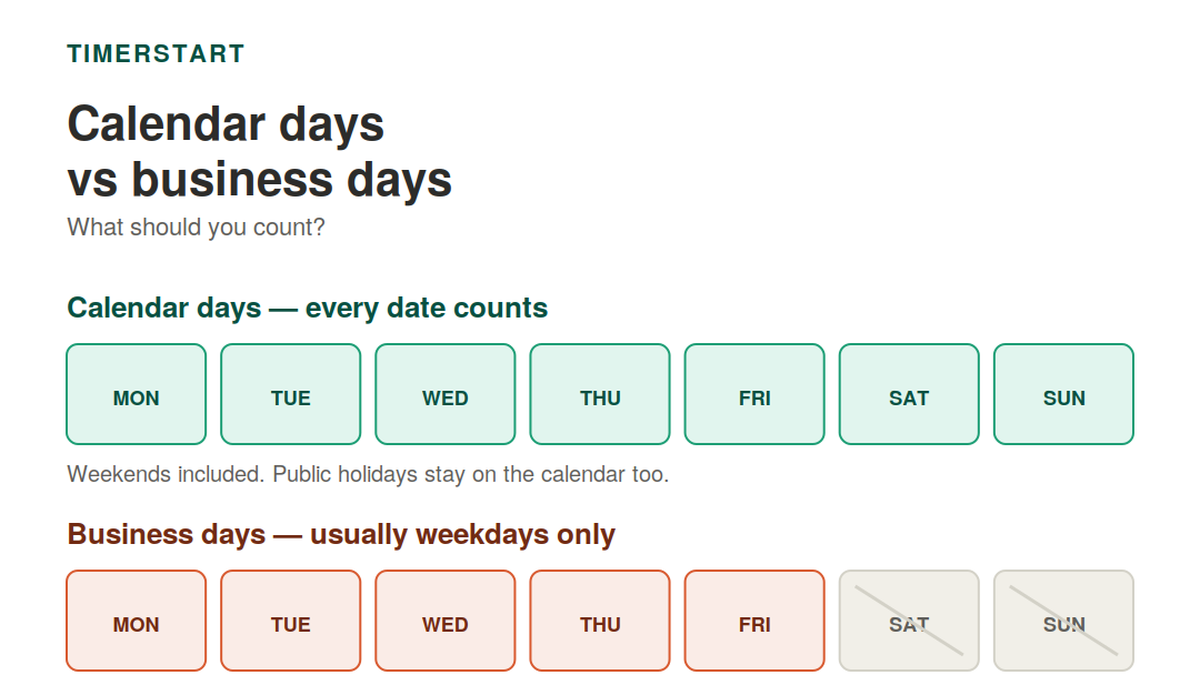
Calendar Days vs Business Days: What Should You Count?
Learn when to count every calendar date, when business days may exclude weekends or holidays, and how TimerStart handles calendar-day calculations.
July 18, 2026 / TimerStart Editorial Team
Calendar Days vs Business Days: What Should You Count?
Learn when to count every calendar date, when business days may exclude weekends or holidays, and how TimerStart handles calendar-day calculations.
 July 17, 2026 / TimerStart Editorial Team
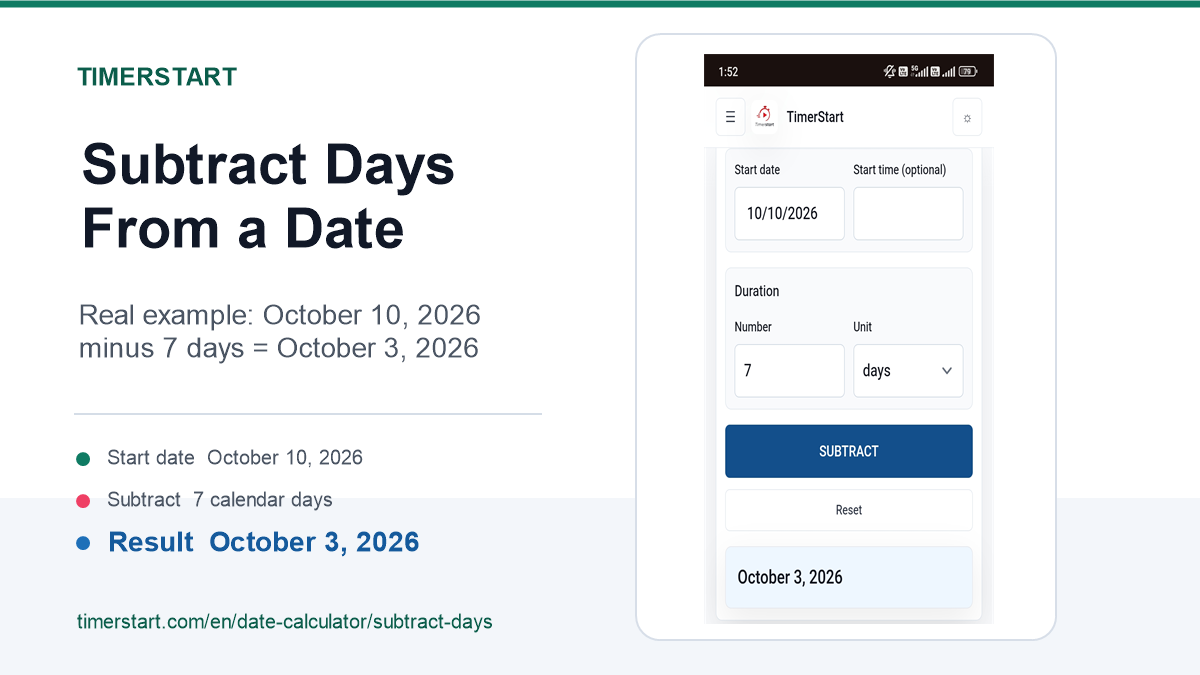
How to Subtract Days From a Date Without Counting Manually
Subtract days from any date, avoid month and leap-year mistakes, and find an earlier calendar date quickly.
July 17, 2026 / TimerStart Editorial Team
How to Subtract Days From a Date Without Counting Manually
Subtract days from any date, avoid month and leap-year mistakes, and find an earlier calendar date quickly.
 July 16, 2026 / TimerStart Editorial Team
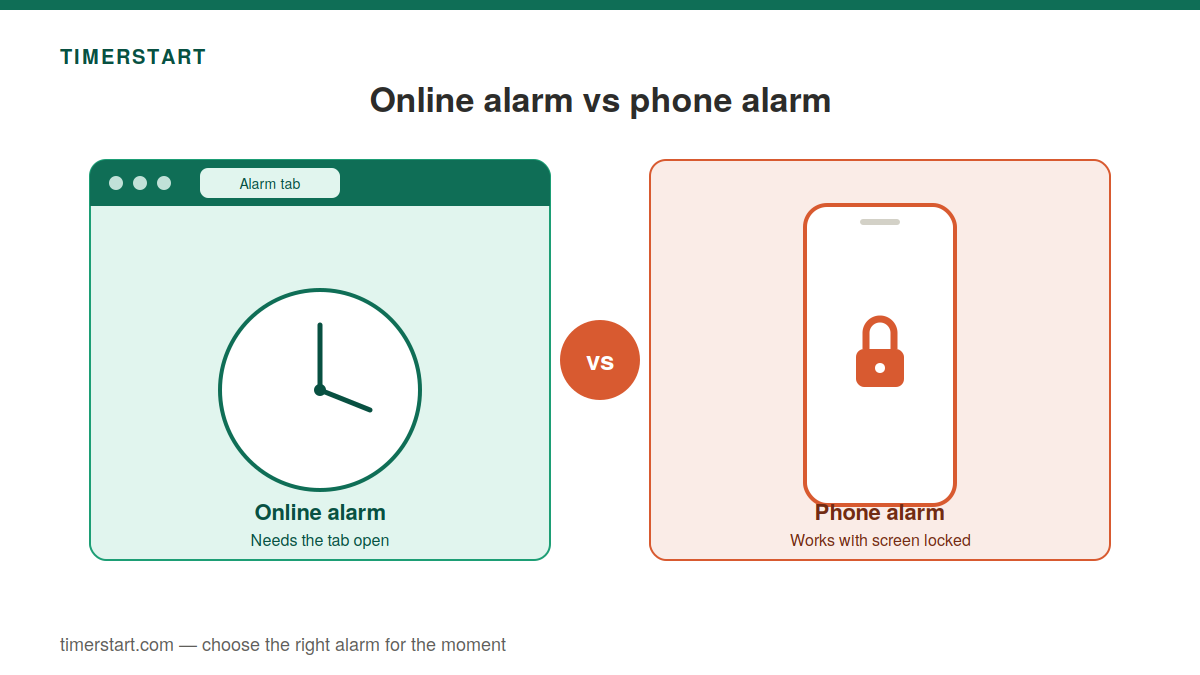
Online Alarm vs Phone Alarm: What Is the Difference?
Compare online alarms and phone alarms, including tabs, sleep mode, screen lock, sound settings, and when each option makes sense.
July 16, 2026 / TimerStart Editorial Team
Online Alarm vs Phone Alarm: What Is the Difference?
Compare online alarms and phone alarms, including tabs, sleep mode, screen lock, sound settings, and when each option makes sense.
 July 14, 2026 / TimerStart Editorial Team
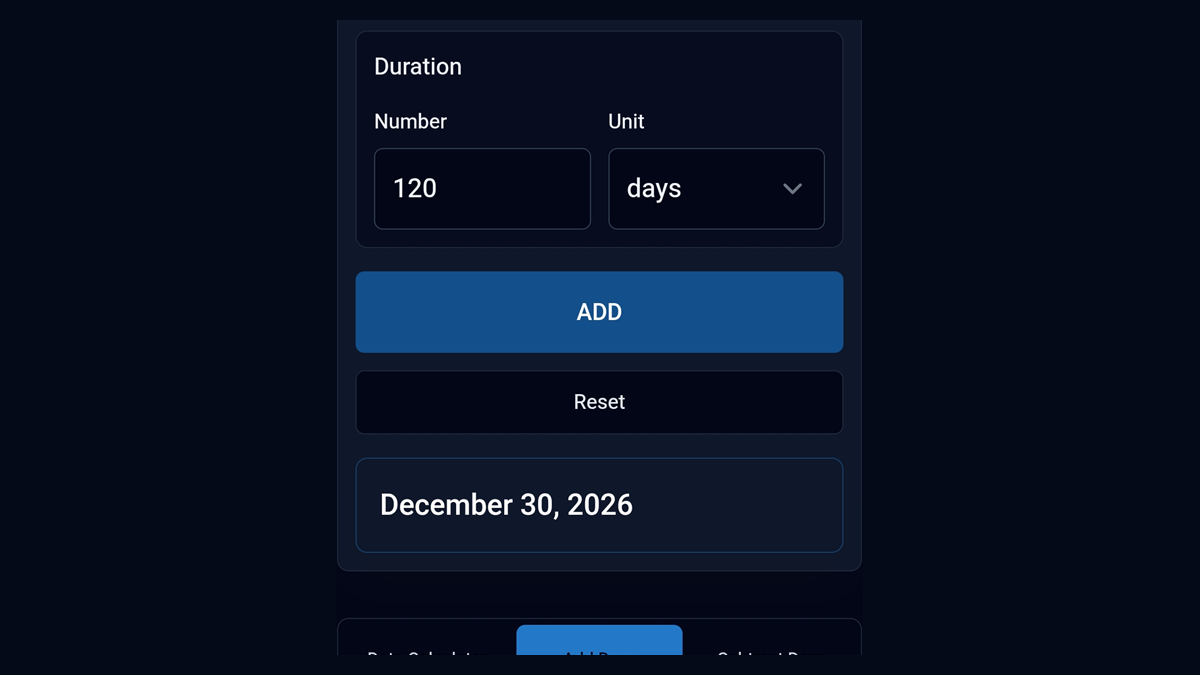
What Date Is 120 or 180 Days From Today?
Calculate 120 or 180 calendar days from today, compare days with months, and avoid common future-date mistakes.
July 14, 2026 / TimerStart Editorial Team
What Date Is 120 or 180 Days From Today?
Calculate 120 or 180 calendar days from today, compare days with months, and avoid common future-date mistakes.
 July 08, 2026 / TimerStart Editorial Team
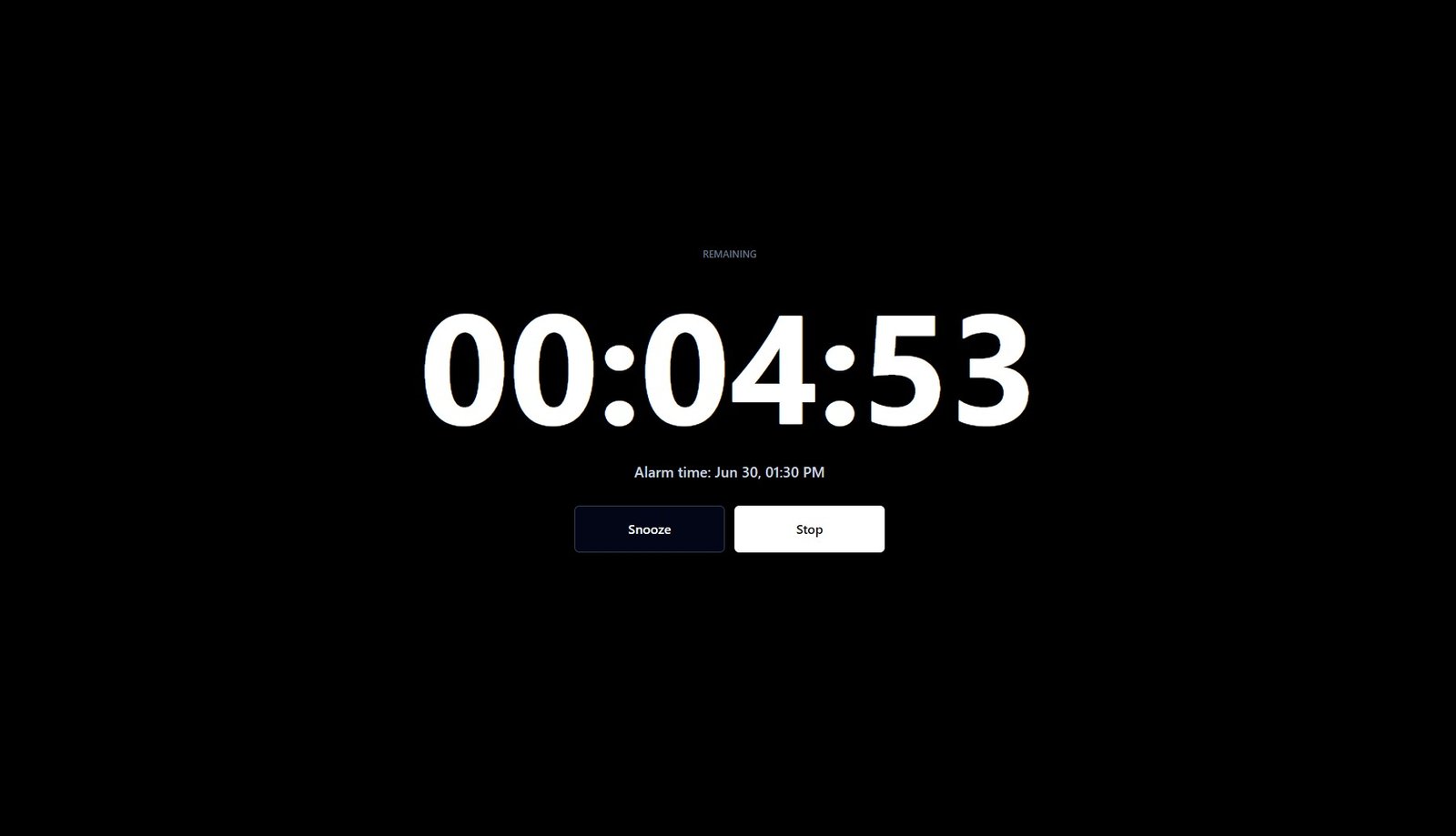
Will an Online Alarm Go Off If Your Browser Is Closed or Phone Is on DND?
Learn how browser-based online alarms work, what can stop alarm sound, and what to check before relying on an online alarm.
July 08, 2026 / TimerStart Editorial Team
Will an Online Alarm Go Off If Your Browser Is Closed or Phone Is on DND?
Learn how browser-based online alarms work, what can stop alarm sound, and what to check before relying on an online alarm.
 July 06, 2026 / TimerStart Editorial Team
How to Use a 30 Minute Timer for Study, Work, and Breaks
Learn simple ways to use a 30 minute timer for study sessions, work blocks, classroom activities, meetings, and breaks.
July 06, 2026 / TimerStart Editorial Team
How to Use a 30 Minute Timer for Study, Work, and Breaks
Learn simple ways to use a 30 minute timer for study sessions, work blocks, classroom activities, meetings, and breaks.
 July 03, 2026 / TimerStart Editorial Team
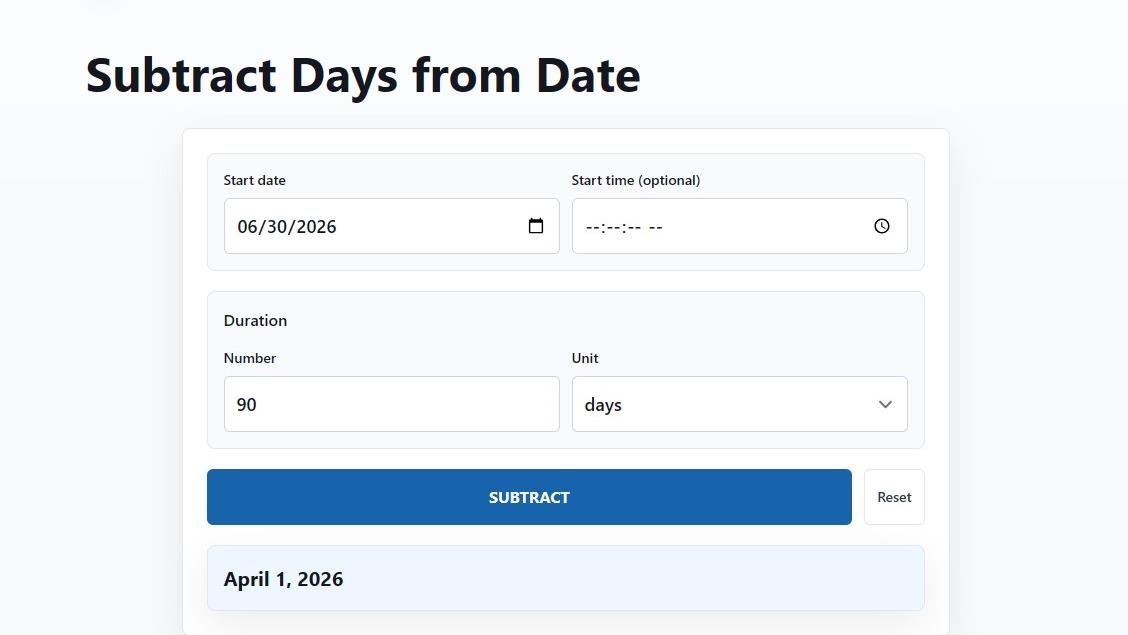
What Date Was 30, 60, or 90 Days Ago?
Learn how to calculate 30, 60, or 90 days ago, avoid common past-date mistakes, and use TimerStart's Subtract Days tool for quick results.
July 03, 2026 / TimerStart Editorial Team
What Date Was 30, 60, or 90 Days Ago?
Learn how to calculate 30, 60, or 90 days ago, avoid common past-date mistakes, and use TimerStart's Subtract Days tool for quick results.
 June 30, 2026 / TimerStart Editorial Team
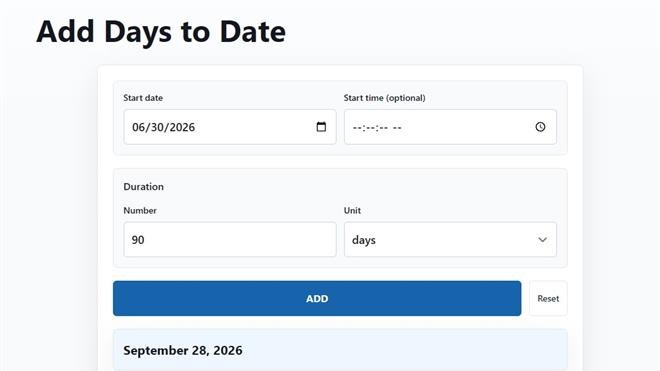
What Date Is 30, 60, or 90 Days From Today?
Learn how to calculate 30, 60, or 90 days from today, avoid common future-date mistakes, and use TimerStart's Add Days tool for quick results.
June 30, 2026 / TimerStart Editorial Team
What Date Is 30, 60, or 90 Days From Today?
Learn how to calculate 30, 60, or 90 days from today, avoid common future-date mistakes, and use TimerStart's Add Days tool for quick results.
 June 26, 2026 / TimerStart Editorial Team
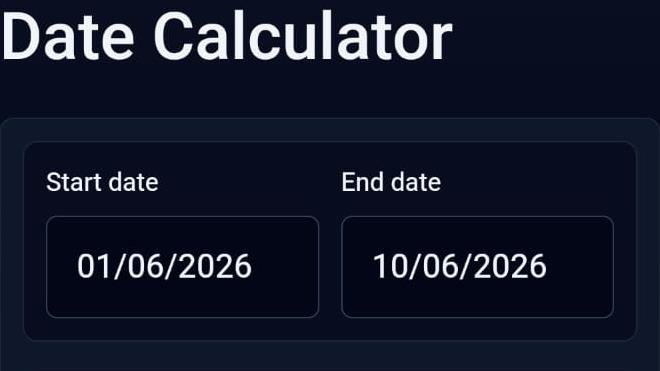
How to Calculate Days Between Two Dates
Learn how to calculate days between two dates, when to include the end date, and which common date-counting mistakes to avoid.
June 26, 2026 / TimerStart Editorial Team
How to Calculate Days Between Two Dates
Learn how to calculate days between two dates, when to include the end date, and which common date-counting mistakes to avoid.
TimerStart Blog is for people who want a simpler way to manage time without turning productivity into another complicated task.
Here, you’ll find practical guides about online timers, alarm clocks, countdown timers, focus sessions, study routines, work blocks, and everyday planning. The goal is simple: help you start on time, stay focused, take better breaks, and finish what you planned.
Most people do not need a complex productivity system. They need a clear starting point. A 25-minute study session. A 10-minute cleanup timer. A countdown before a meeting. A small reminder to stop scrolling and get back to what matters. That is where simple timer tools can make a real difference.
The TimerStart Blog is written for students, remote workers, creators, busy parents, and anyone who feels distracted during the day. Keep the advice practical, easy to understand, and easy to apply. No heavy theory. No confusing setup. Just simple ways to use time more intentionally.
This blog will include articles about how online timers work, how countdowns support focus, how alarms can improve routines, and how methods like Pomodoro or time blocking can make the day feel more manageable.
Start small. Pick one task, set a timer, and give it your full attention. That one focused session can often do more than another hour of thinking about where to begin.