

Will an Online Alarm Go Off If Your Browser Is Closed or Phone Is on DND?
You set an alarm on an online alarm clock, switch your phone to Do Not Disturb, and close the tab. Will it still go off? Short version: don't count on it. Here's the honest breakdown of what actually happens.
Quick Answer: Can an Online Alarm Still Ring?
An online alarm usually needs the page it's running on to stay open, and it needs your device and browser to actually allow sound to play. If you close the tab, close the browser, let your device fall asleep, or turn the volume down, the alarm may not sound the way you expect.
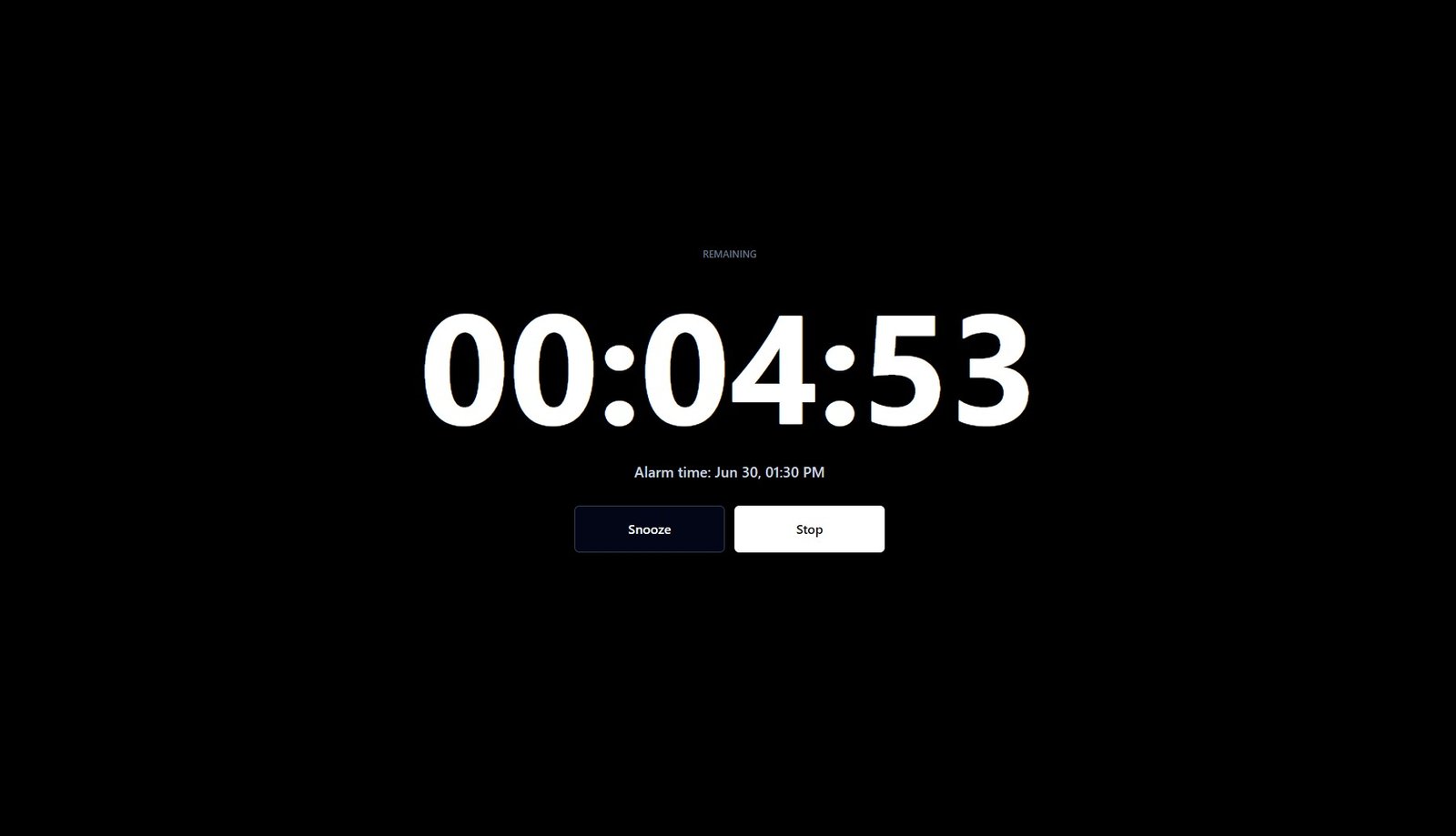
Do Not Disturb adds another layer of uncertainty. It doesn't universally block or allow browser sounds; that depends on your phone, your operating system, and how DND is configured. So the safest assumption is this: a browser-based alarm can be reliable for everyday use, but it isn't guaranteed to behave exactly like the alarm clock app built into your phone.
You can use TimerStart's online alarm clock for quick browser-based alarms, but keep the page open and test the sound once before you rely on it for anything important.
How Browser-Based Online Alarms Work
An online alarm clock runs inside a web page, not as a separate app installed on your device. When you set a time, the page keeps track of it and plays a sound through your browser once that time arrives. That's the whole mechanism: no background service, no operating-system-level scheduling, just a page doing its job while it's loaded.
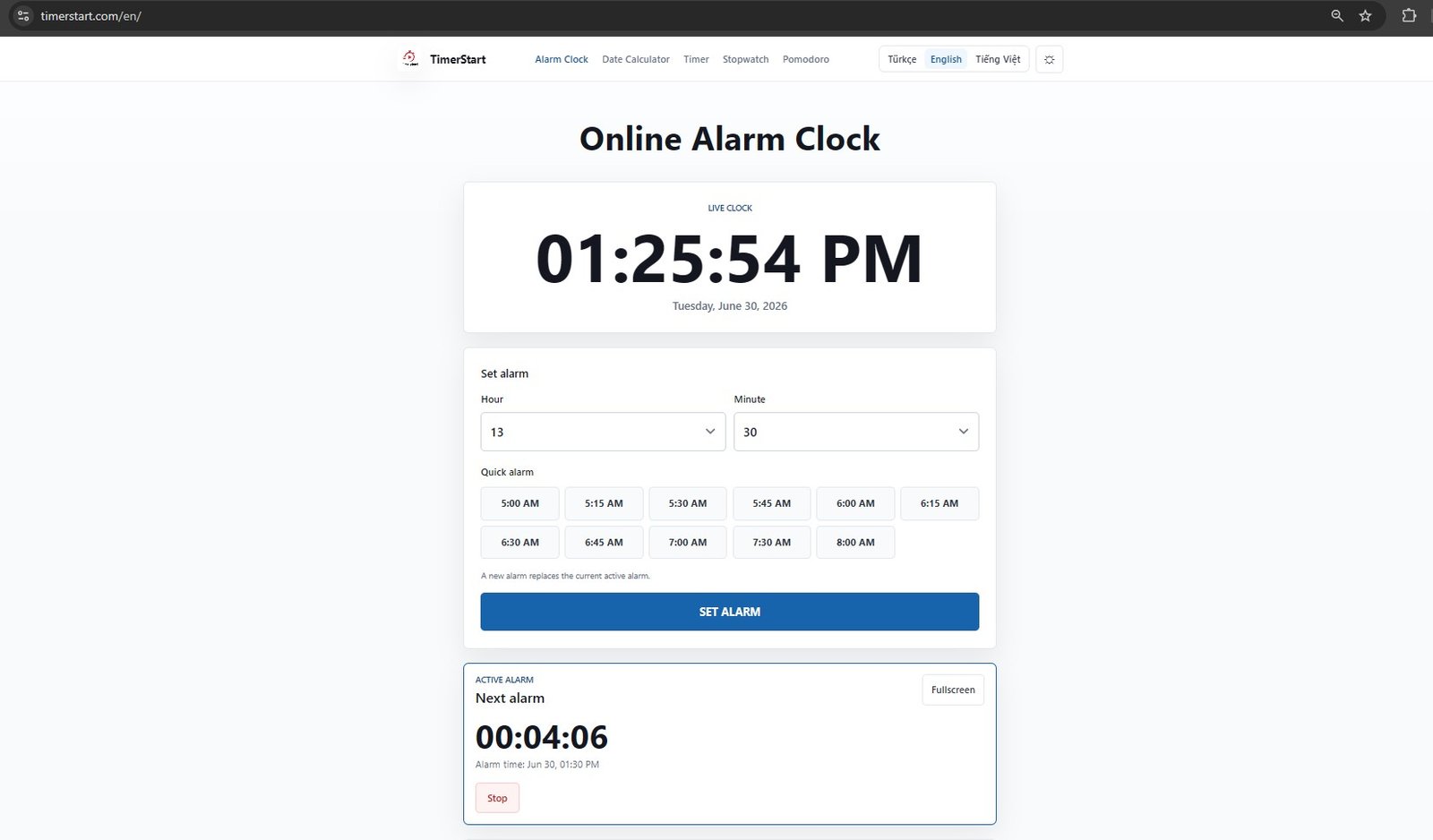
That distinction matters. A few things follow from it:
- The page generally needs to stay loaded for the countdown to keep running.
- The alarm sound plays through the browser, so it's subject to whatever audio rules your browser and device apply.
- Some browsers restrict audio playback on tabs the person hasn't interacted with recently, which is a safeguard against random sites blasting sound at you, but it can also affect a legitimate alarm tab if the page has been sitting untouched.
- A browser alarm is not the same thing as your phone's built-in alarm app, which is installed at the operating system level and typically has permissions a browser page simply doesn't get.
None of this makes online alarms unreliable for everyday tasks. It just means they work differently than the alarm clock you're used to on your phone.
What Happens If the Browser Tab Is Closed?
This is the part people get wrong most often, so it's worth being direct about it: if you close the tab or close the browser entirely, a browser-based online alarm generally shouldn't be relied on to still go off. Once the page is gone, there's nothing left running the countdown.
A tab sitting in the background is different from a tab that has been closed. Background tabs may still work, but some browsers throttle them to save resources.
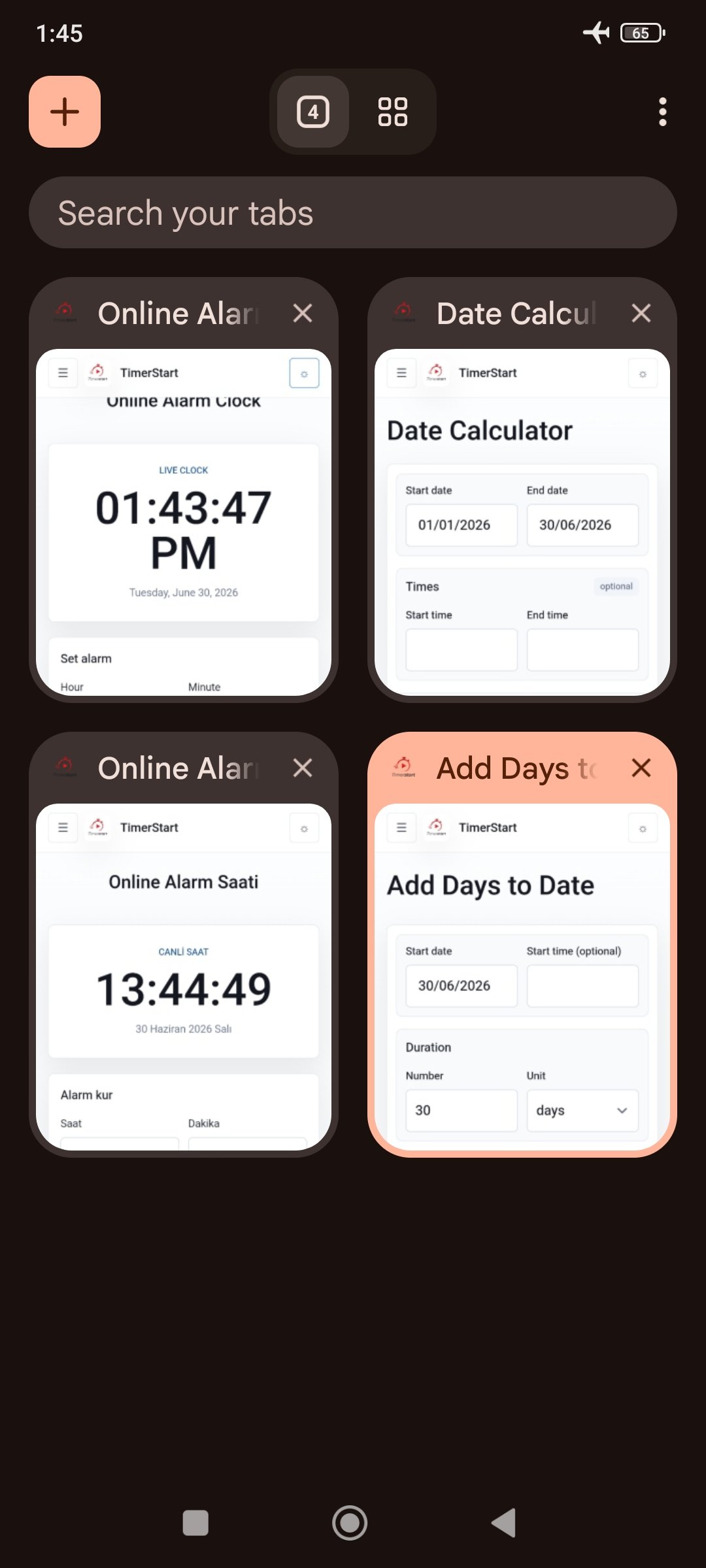
A few related scenarios, each a little different:
- Tab open, but in the background: this can still work, though behavior varies by browser and device. Some browsers throttle background tabs to save resources.
- Browser open, device goes to sleep or gets locked: audio may not play, or may be delayed, depending on the device.
- Laptop lid closed or device put into sleep mode: the page effectively stops running, so don't expect the alarm to fire.
If you genuinely need something to happen on your device even when it's not actively being used, that's the job of a native alarm app, not a browser tab. The practical takeaway: keep the page open, keep the device awake, and test it once on your own setup before you trust it for something time-sensitive.
What Happens If Your Phone Is on Do Not Disturb?
This is probably the question that brought you here, and it deserves a careful answer rather than a confident-sounding wrong one.
Built-in phone alarms and browser-based online alarms are not the same category of thing. Native alarm apps are usually given a specific exception by the operating system; that's why your phone's alarm can still ring even with Do Not Disturb or Focus mode turned on. A browser tab playing a sound is a different case, and whether that sound gets through Do Not Disturb depends on your device, your operating system version, your browser, and how you've configured DND or Focus settings.
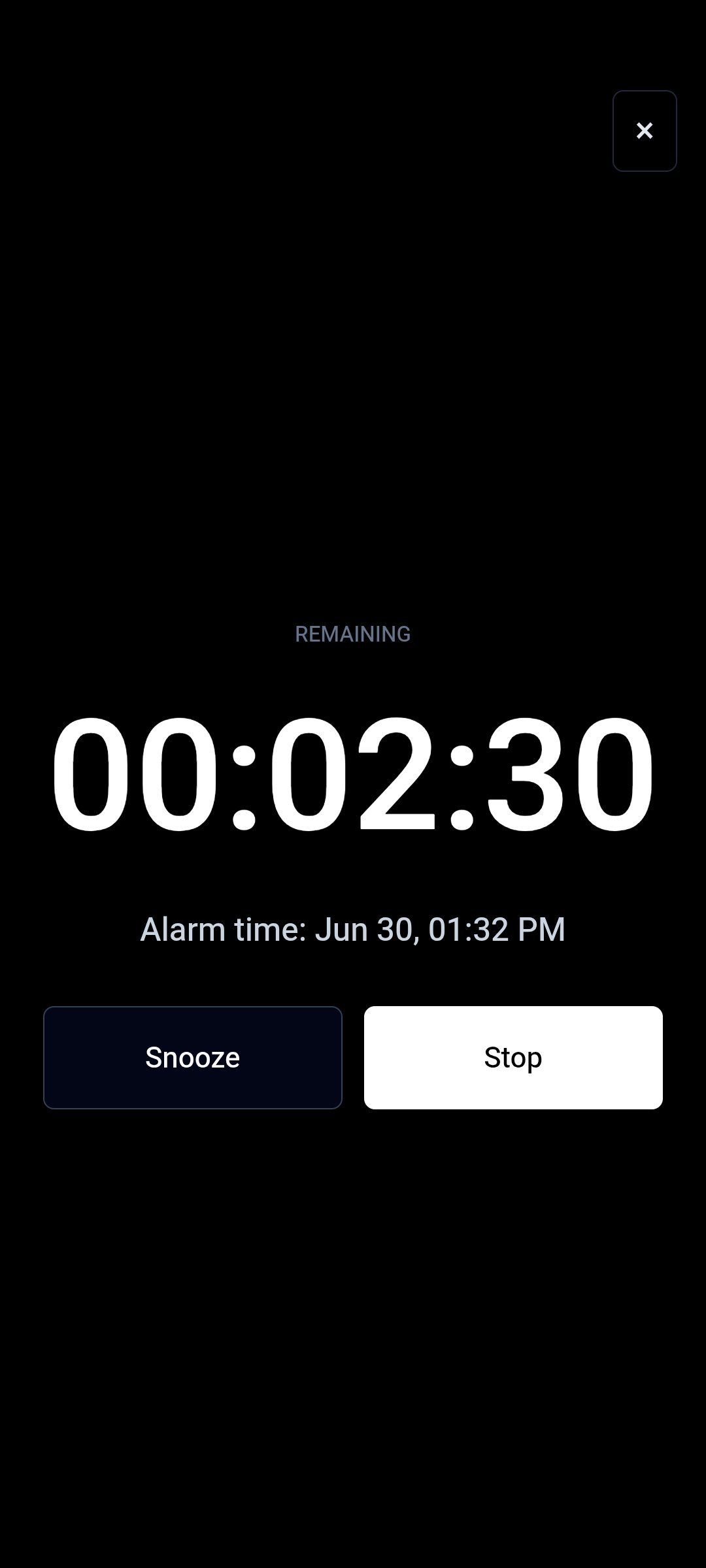
In other words: DND behavior varies. It is not accurate to say "DND always blocks browser sounds," and it's equally not accurate to say "DND won't affect it." The only way to know for certain on your own phone is to test it: set a short online alarm, turn on DND the way you normally would, and see what actually happens.
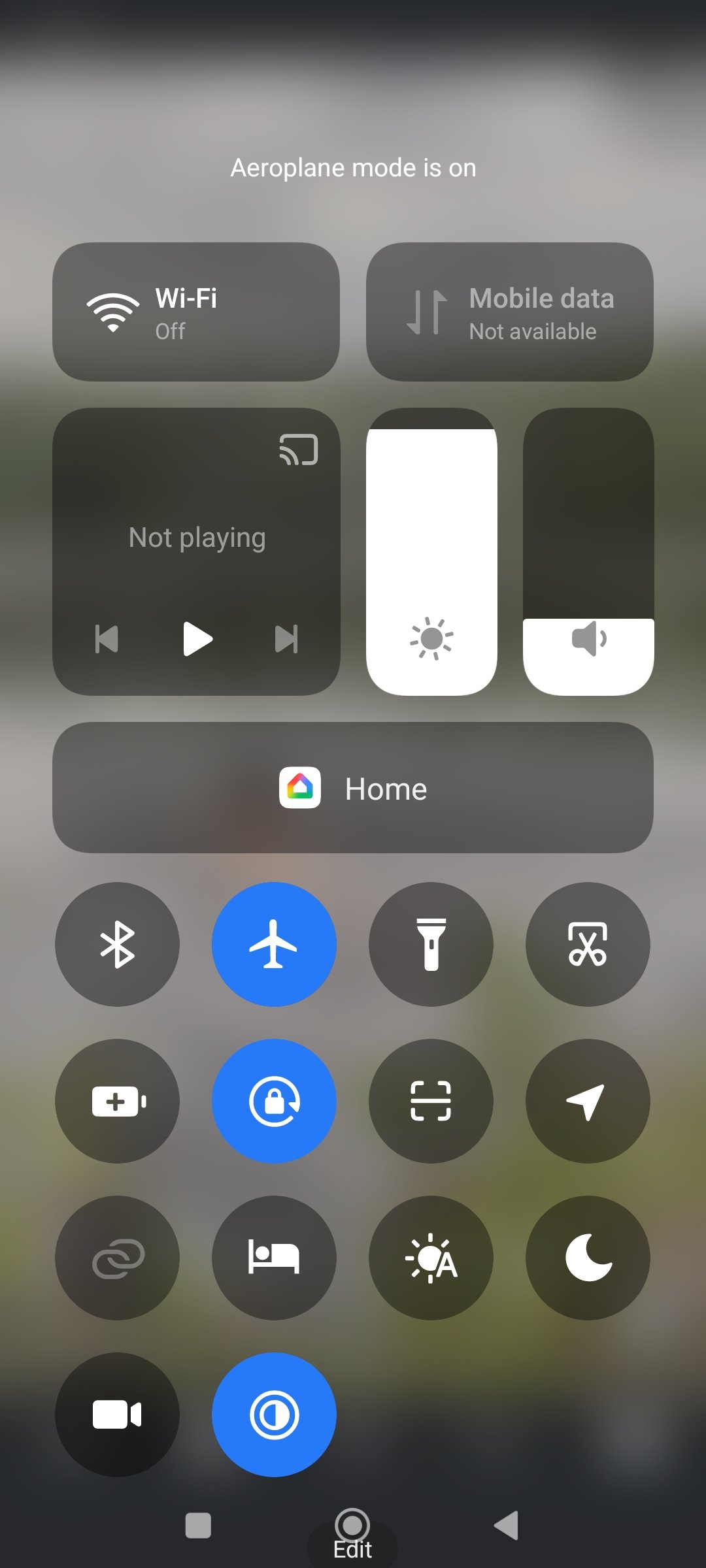
If you rely on Do Not Disturb overnight and need a wake-up alarm to break through it no matter what, your phone's built-in alarm app is the safer tool for that specific job.
Alarm Volume, Mute, Permissions, and Battery Saver
Even when the tab is open and DND isn't a factor, a handful of everyday settings can quietly stop an online alarm from making a sound, or make it too quiet to notice. Worth running through this list before you rely on one:
- Device volume: obvious, but easy to forget, especially on a laptop.
- Muted browser tab: most browsers let you mute individual tabs; check that the alarm tab isn't one of them.
- Site sound permissions: some browsers ask for permission before a site can play audio, or block autoplay until you've interacted with the page.
- Autoplay restrictions: a page that hasn't had any interaction may be prevented from playing sound automatically.
- Battery saver or low power mode: this can limit background activity, including tabs that aren't currently in focus.
- Device sleep or lock behavior: screens that lock or devices that sleep can pause what the tab is doing.
- Bluetooth or headphone output: if audio is routed to a paired device that isn't nearby or isn't connected, you simply won't hear anything.
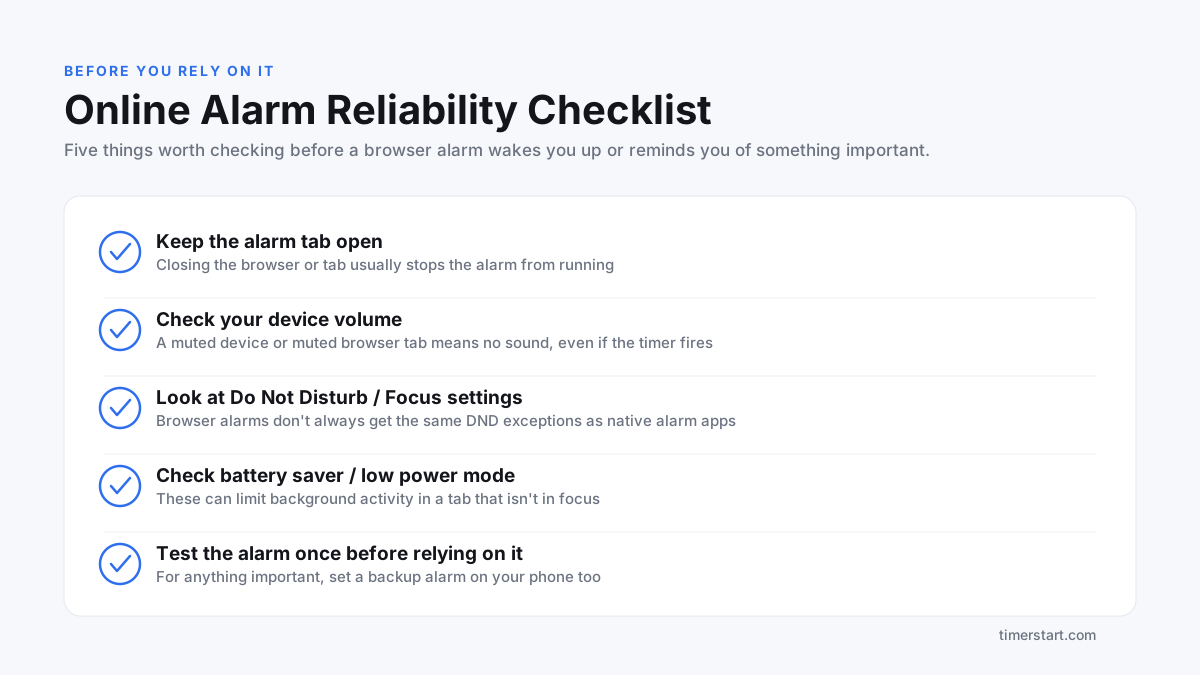
Here's a simple visual summary of the checks worth running before you trust a browser alarm with something important:
Online Alarm vs Built-In Alarm App: What Is the Difference?
Both do the same basic job: they remind you when a set time arrives. But they're built very differently, and that difference decides what each one is actually good for.
A browser-based online alarm is convenient because there's nothing to install. Open a page, set a time, done. That makes it a good fit for short-term, in-the-moment use: a work session, a study break, a reminder while you're already sitting at your desk with the tab open.
A built-in alarm app is integrated into your phone's operating system, which is exactly why it can ring through Do Not Disturb, survive the screen locking, and keep running even if you're using other apps. For anything you genuinely need to wake up to, such as a morning alarm or an appointment you can't miss, the native alarm app on your device is the more dependable choice.
So the honest framing is this: an online alarm is a great lightweight tool for browser-based reminders, and it isn't trying to replace your phone's alarm clock for critical wake-ups.
Privacy: Does TimerStart Store Your Alarm Time?
TimerStart is a browser-based tool. It's designed for simple, quick use: you don't need to create an account or log in to set an alarm or a timer. For the specifics of how any information is handled, the privacy policy is the accurate source, and it's worth a look if that matters to you.
You can also read more about TimerStart and how the site is built around quick, browser-based time tools.
Best Practices Before Relying on an Online Alarm
A short checklist to run through before you set an alarm you actually care about:
- Keep the alarm page open in its own tab.
- Keep your device awake if the countdown is running for a while.
- Check your device volume is turned up.
- Make sure the browser tab isn't muted.
- Check your Do Not Disturb or Focus settings.
- Check battery saver or low power mode isn't limiting the tab.
- Test the alarm once on your own device before you depend on it.
- Set a backup alarm, your phone's built-in one, for anything important.
- Don't rely only on a browser alarm for a deadline or a wake-up you can't afford to miss.
Before using an online alarm for an important reminder, set a quick test alarm on TimerStart and check your volume, browser tab, and DND settings first. It only takes a minute and it tells you exactly how your setup behaves.
Use TimerStart's Online Alarm Clock
For quick, browser-based alarms: reminders, study sessions, work breaks, short-term alerts, TimerStart's online alarm clock is a fast, no-install option. Set your time in a few seconds and go. Just give the sound a quick test on your own device before you lean on it for anything that really matters.
For countdowns instead of a clock-time alarm, use the online timer for short work sessions, breaks, and reminders.
More to read
Continue with these TimerStart guides:
FAQs About Online Alarm Reliability
These answers cover the common reliability questions people ask before relying on a browser-based alarm.
Will an online alarm work if I close the browser?
No, not reliably. Once the browser or the tab is closed, the page that was tracking your alarm is no longer running.
Will an online alarm work if the tab is in the background?
It can, but it depends on your browser and device. Some browsers limit activity in background tabs, which may affect timing or sound.
Will my alarm go off if my phone is on Do Not Disturb?
It depends on your device and settings. Native alarm apps usually get an exception to DND; browser-based alarms may not. Test it on your own phone to be sure.
Is an online alarm the same as my phone's built-in alarm?
No. A built-in alarm is part of your phone's operating system and typically has permissions a browser page doesn't have, like ringing through DND or surviving a locked screen.
Why did my online alarm not make sound?
Common causes include a muted device or tab, low volume, autoplay restrictions, battery saver limiting the tab, or the page not staying open.
Does browser volume affect online alarms?
Yes. Both your device's overall volume and the individual browser tab's mute setting can prevent sound from playing.
Can battery saver stop an online alarm?
It can. Low power modes often limit background activity, which may affect a tab that isn't currently in focus.
Should I use an online alarm to wake up in the morning?
For anything you truly can't miss, it's safer to use your phone's built-in alarm, or at least keep one as a backup alongside a browser alarm.
Does TimerStart store my alarm time?
TimerStart doesn't require an account to use, and it's built for simple browser-based use. Check the privacy policy for the full details.
What should I check before using an online alarm?
Keep the tab open, check your volume and mute settings, check Do Not Disturb, check battery saver, and test it once before relying on it for anything important.