

Should You Include the End Date When Counting Days Between Dates?
Run the same two dates through two different calculators and you can end up with two different answers, usually off by exactly one day. That is not a bug in either tool. It comes down to one question: does the final date belong to the period you are measuring, or does it just mark where the measuring stops? That is what the Include End Date option is really asking.
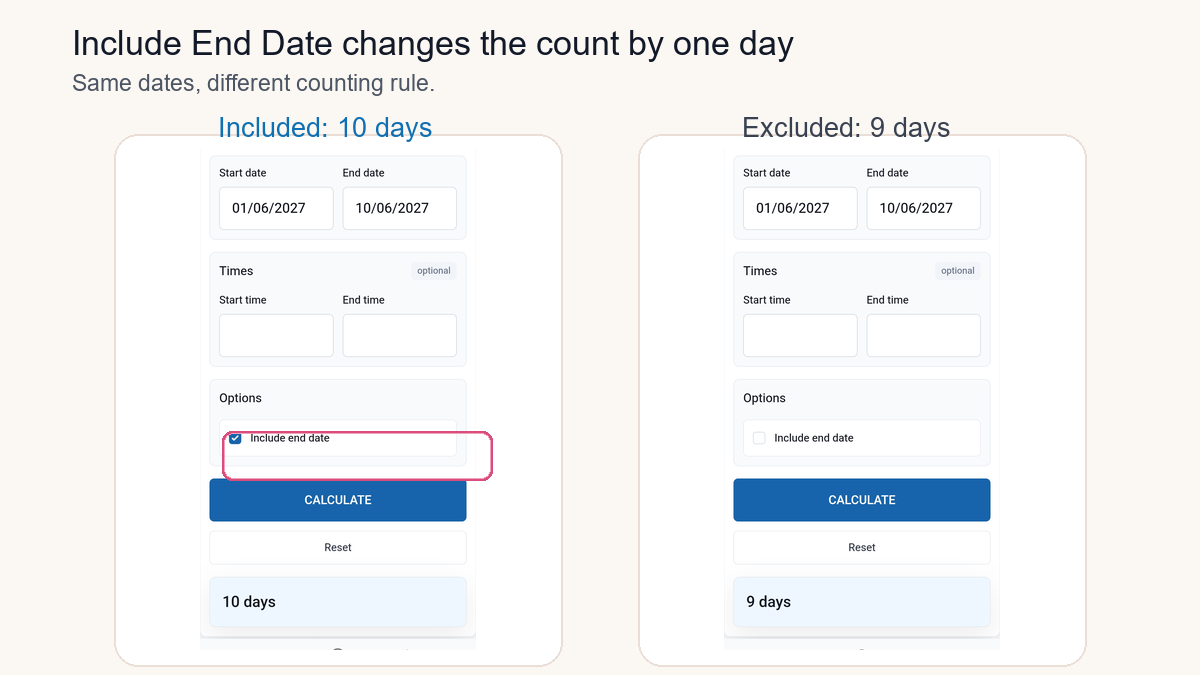
Quick Answer: Should the End Date Count?
Include the end date when the final date is genuinely part of what you are counting: an event that runs through that day, a coverage period still active on it, or a deadline written as through or including. Exclude it when you are measuring the plain gap between two points: days passed, nights stayed, or time until something happens.
Take June 13, 2026 to June 20, 2026. End date excluded: 7 days. End date included: 8 days. Same dates, same calendar; the setting just changes the question being answered.
Try it yourself in the TimerStart Date Calculator: enter your two dates and select Include End Date only when the final day actually belongs to the period.
Compare Both Results
Use TimerStart's Date Calculator to compare the same dates with Include End Date turned on and off.
What Does Include End Date Mean?
The end date is the last date you enter. Turning this option on counts that date as part of the range, adding one day to the plain difference. It does not change either date you typed, and it does not touch weekends or holidays.
Simple picture: June 1 to June 4 is three elapsed days. If June 4 itself is meant to count as one of the dates in the period, the answer becomes four calendar dates.
Why Including the End Date Adds One Day
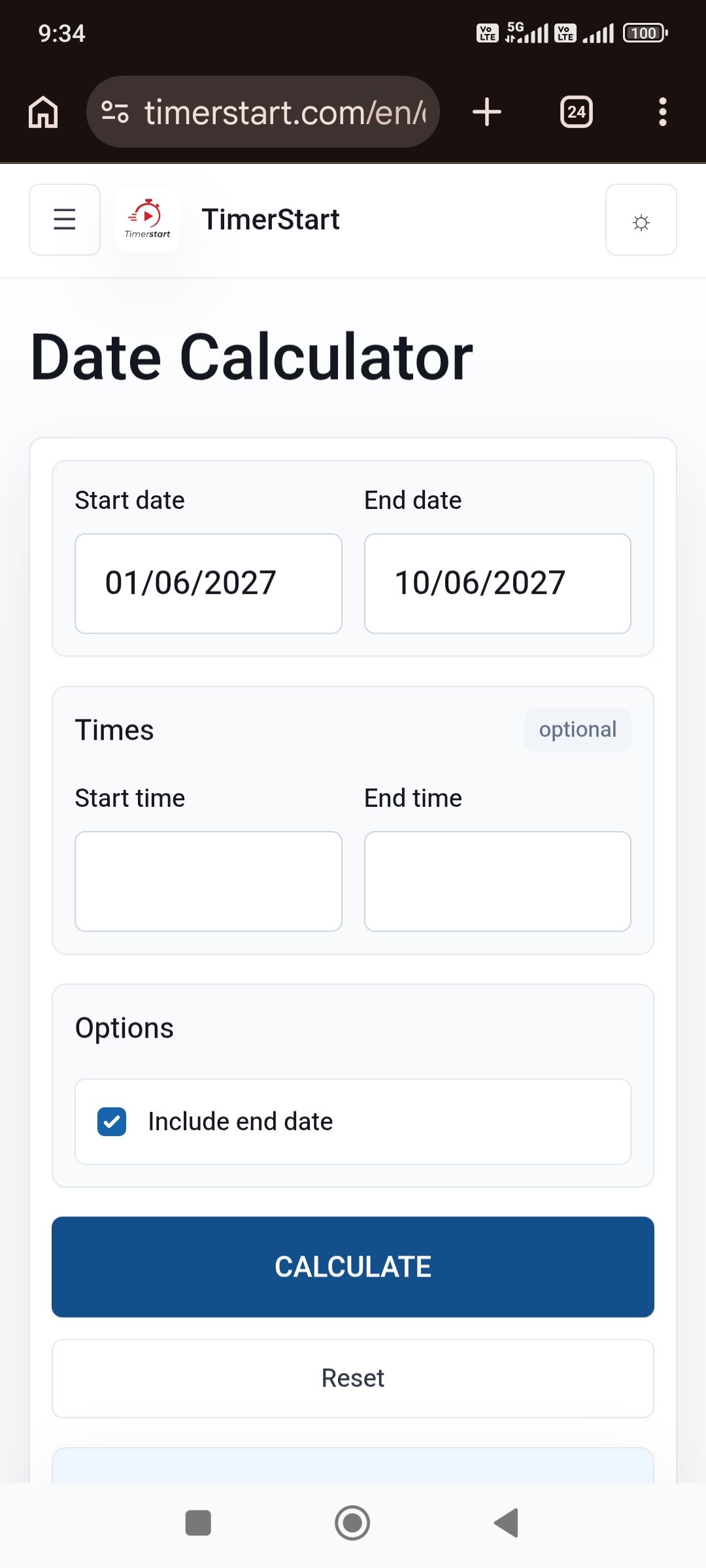
Standard difference: June 1 to June 2 is 1 day; June 1 to June 4 is 3 days. That is the number of date boundaries crossed.
With the end date included, June 1 through June 2 covers 2 calendar dates; June 1 through June 4 covers 4. Neither number is more correct. One counts distance, the other counts dates.
| Question | Usually measures | June 1 to June 4 |
|---|---|---|
| Days passed? | Elapsed difference | 3 days |
| Calendar dates included? | Inclusive range | 4 dates |
| Hotel nights? | Nights occupied | Usually 3 nights |
| Event days, if it runs through June 4? | Included event dates | 4 days |
Usually matters here: a lease, ticket, or rulebook can define its own counting method regardless of a calculator's default.
Does the Start Date Count Too?
TimerStart's option is specifically about the end date. The standard result already measures from the start date; Include End Date simply adds the final date on top. There is no separate switch for the start date itself.
June 1 to June 10 is 9 days; with the option on, it is 10. Some official processes separately define whether day one is the start date or the day after. That is a different rule the calculator cannot decide for you.
When to Include the End Date
- An event runs on every date through the final one
- A coverage period stays active through the end date
- A leave period includes the last listed day
- A rental or reservation explicitly includes the final calendar day
- You need the total calendar dates a period represents, not the gap between two points
These are common cases, not universal rules. Check whether the terms actually say the final date counts.
When to Exclude the End Date
- Measuring how many days have passed
- Calculating age or time since a date
- Counting nights between check-in and checkout
- Measuring the gap before an event
- Any case where the end date marks the stopping point, not something included in it
A hotel stay from June 1 to checkout on June 4 is normally three nights. Checkout is not a fourth night, even though the trip touches four calendar dates.
Include vs Exclude at a Glance
Exclude End Date
- Measures elapsed days or the gap between two dates.
- June 1 to June 10 = 9 days.
- Best when the final date is the stopping point.
Include End Date
- Counts the final calendar date as part of the range.
- June 1 to June 10 = 10 days.
- Best when the period runs through the final date.
Same Start and End Date: Zero Days or One?
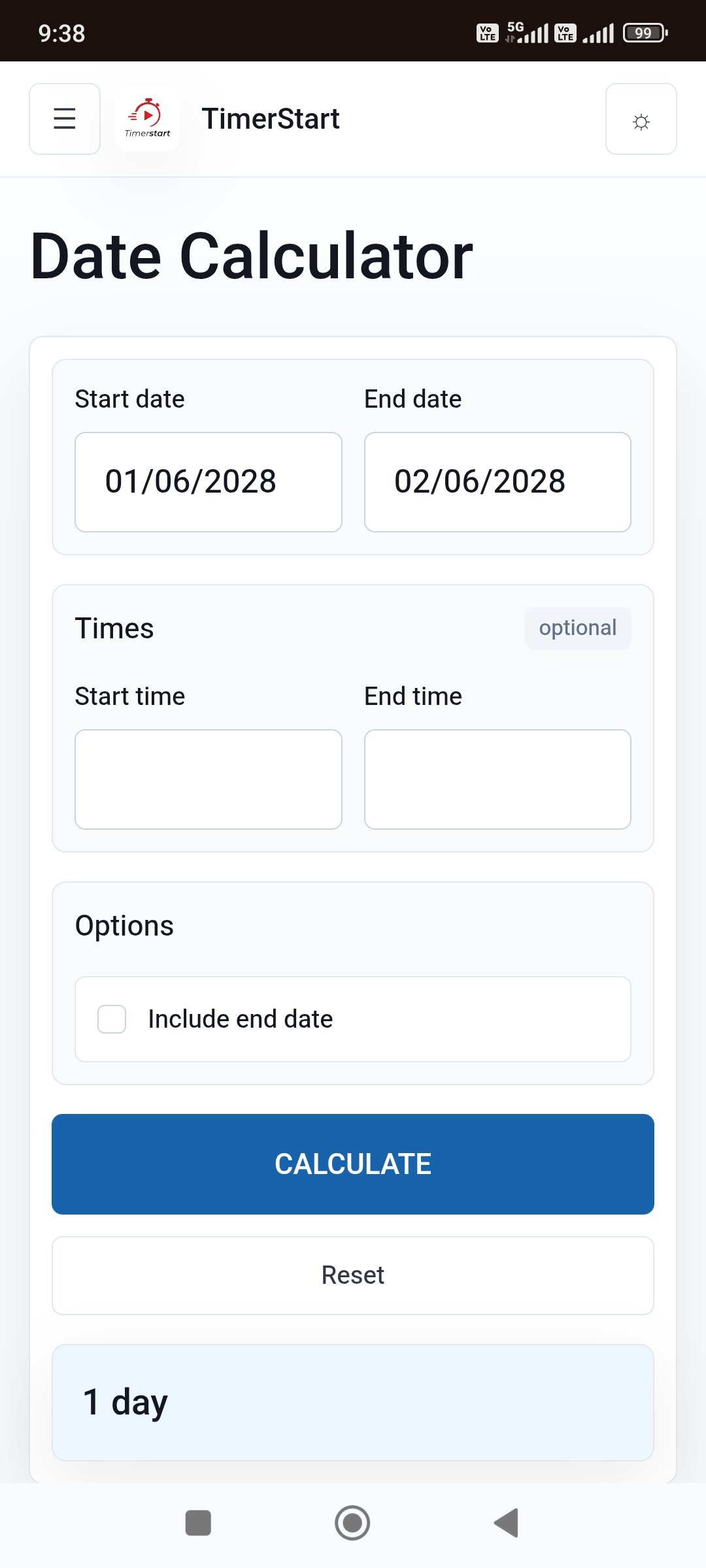
June 10 to June 10: standard difference is 0 days because no date boundary is crossed. With Include End Date, it is 1 day because that single date is counted. TimerStart's live calculator supports both readings.
Practical Examples
- Event: Runs Friday through Sunday. Operating on Sunday? Include the final date.
- Hotel stay: Check-in Friday, checkout Sunday. Normally exclude checkout when counting nights.
- Deadline: Work begins June 1, due June 10. Whether June 10 counts as a full day depends on the project's own rule, not the calculator.
- Coverage period: Terms say through June 30. The final date is often included, but the wording controls it.
- Days until an event: June 1 to June 10 is a standard difference of 9 days.
Why Two Calculators May Differ by One Day
Usually because one includes the end date and the other does not, or one measures elapsed days while the other counts every date in the range. A one-day gap almost always reflects a different counting rule, not a calculation error. Check the labels and settings each tool is using.
How to Use TimerStart's Option
Follow the same dates through the calculator, then compare the excluded and included results.
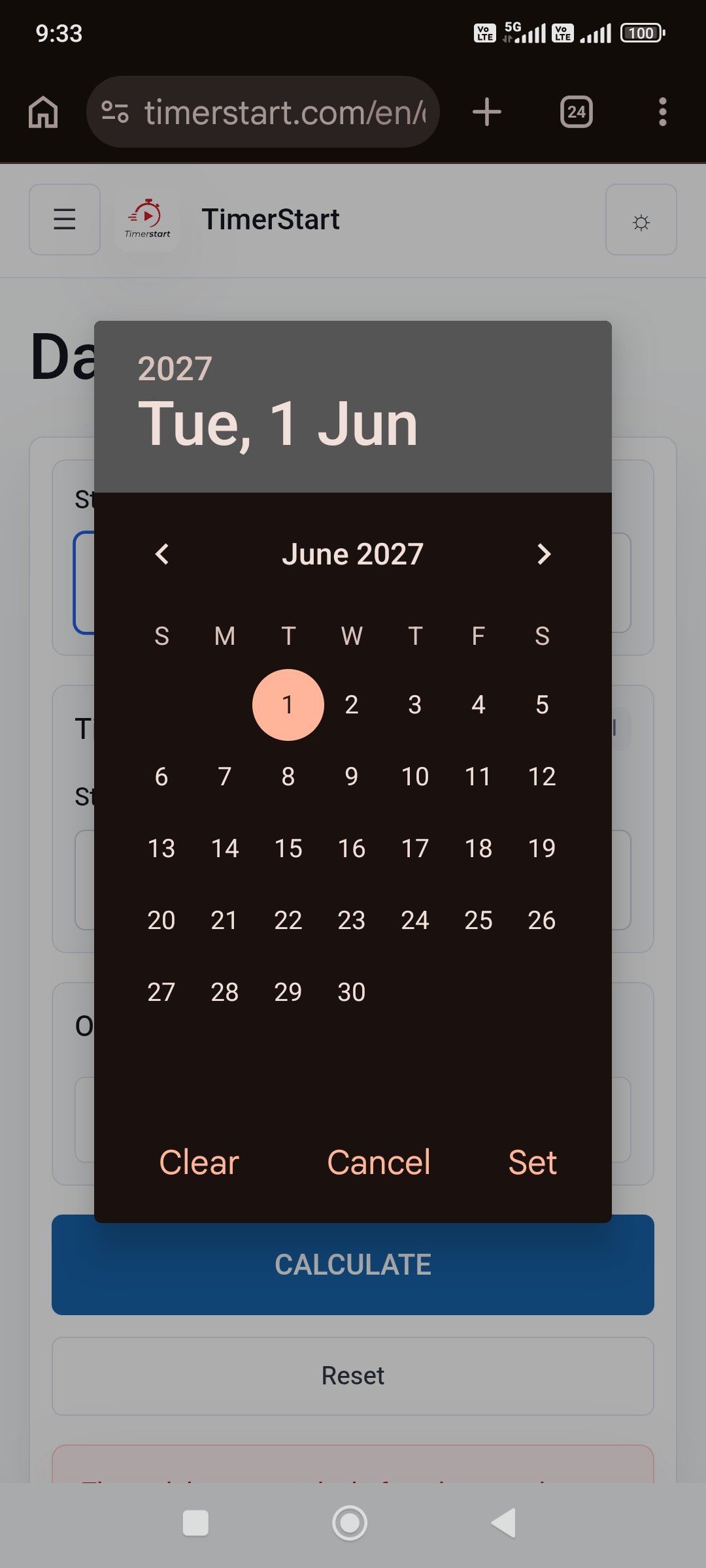
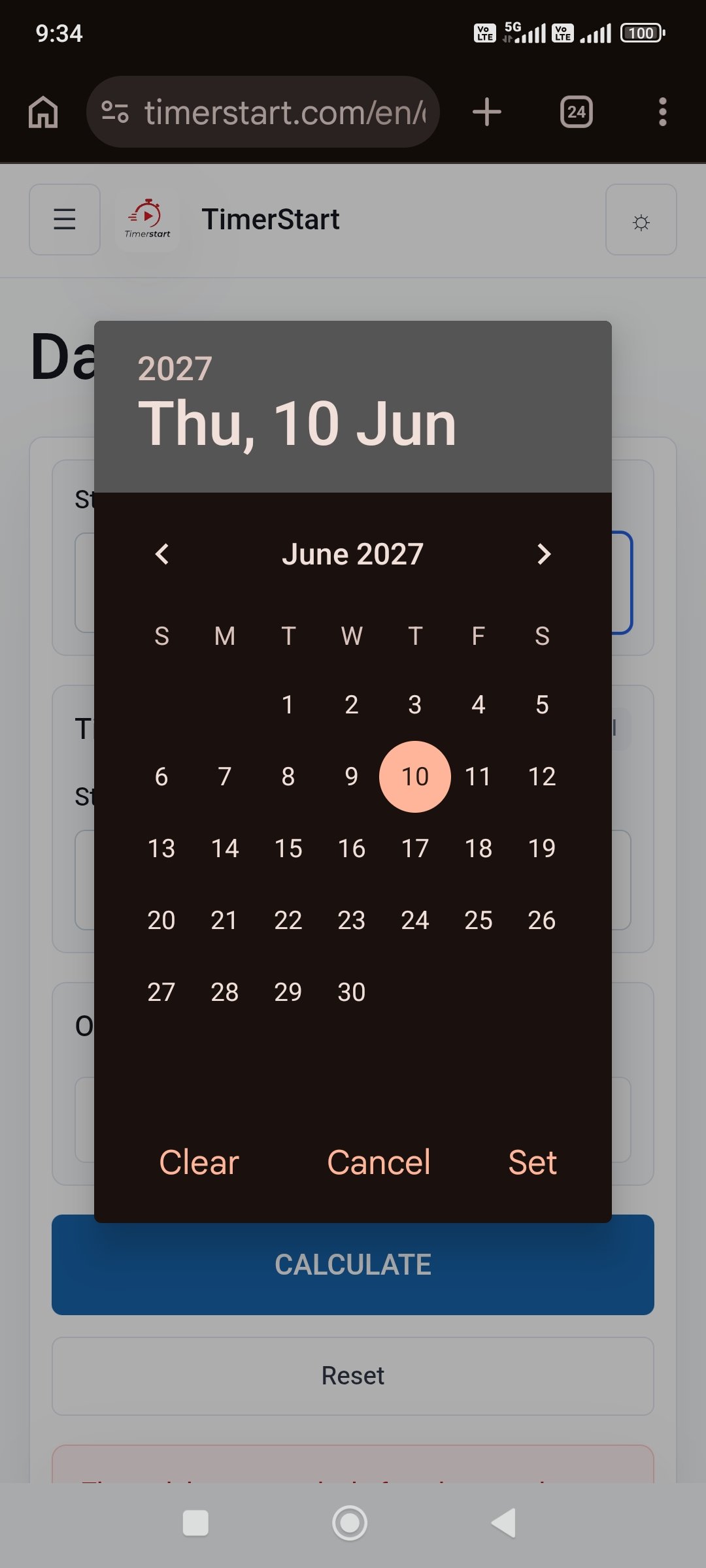
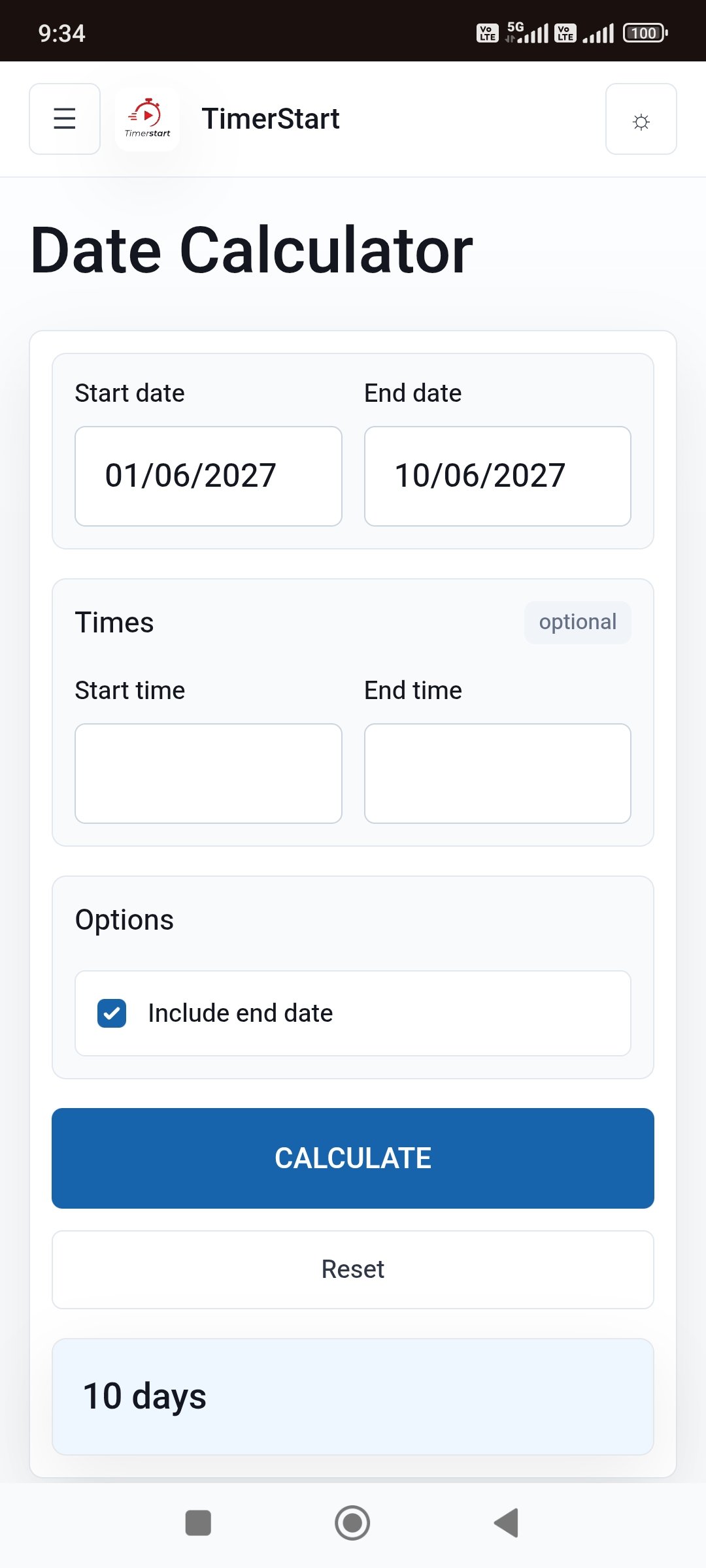
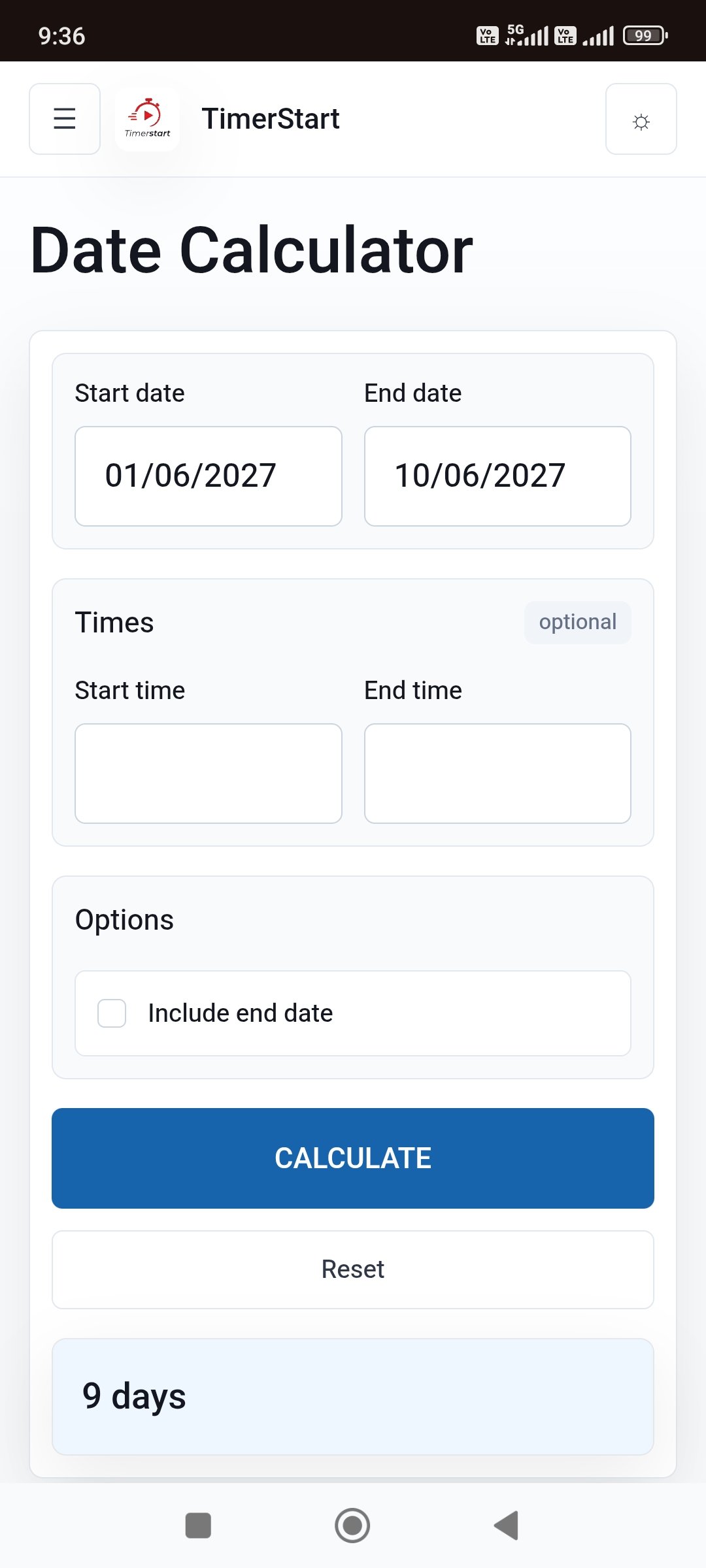
- Open the Date Calculator
- Enter the start and end dates
- Note the standard difference
- Select Include End Date if the final date belongs to the period
- Compare both results
- Confirm the rule for anything official
Open TimerStart's days between dates calculator and calculate the same range once excluded and once included to make the one-day shift obvious.
Short TimerStart Walkthrough
A short TimerStart walkthrough showing how the Include End Date option changes the result is also available on YouTube Shorts.
Weekends, Holidays, and This Setting
Include End Date only controls whether the final date counts. It does not remove Saturdays, Sundays, or public holidays. TimerStart counts calendar days; filtering weekends is a separate business-day question. For more detail, read calendar days vs business days.
Important Deadlines May Use Their Own Rules
Legal, tax, immigration, employment, and court deadlines can define their own counting rules, including when counting starts and how weekends affect the total. Words like within, by, through, and from can carry specific meanings in official documents that a general calculator cannot interpret. Check the actual policy, contract, or authority for anything with real consequences.
Common Mistakes
- Switching on Include End Date without asking what is being measured
- Assuming inclusive counting is always more accurate
- Mixing up elapsed days with dates a period touches
- Counting a hotel checkout as an extra night
- Treating an event's last day and a deadline cutoff as the same thing
- Forgetting the setting only ever changes the result by one
- Using an official result without confirming the rule behind it
A Simple Checklist
- What are you measuring: elapsed time or calendar dates?
- Is the activity still happening on the final date?
- Does the wording say through or including the end date?
- Does the final date mark a checkout or stopping point instead?
- Should the result be nights, days passed, or dates covered?
- Does the source define its own counting rule?
- Is this calculation official or high-stakes?
- Have you compared both TimerStart results?
Include when the final date belongs to the period. Exclude when you need the plain elapsed difference. Verify whenever a contract or official process governs the calculation.
FAQs
These are the common questions people ask when they see a one-day difference between date calculators.
What does Include End Date mean?
It counts the final date as part of the range, adding one day.
Does Include End Date always add one day?
Yes. When the option is on, the result is one day higher than the plain date difference.
Should I include the end date?
Only include it when the final date is genuinely part of the period. Otherwise, leave it off.
Does the start date count?
TimerStart's standard result already measures from the start date; the Include End Date option only adds the final date.
Why is June 1 to June 10 nine days?
That is the plain elapsed difference between the two dates. With Include End Date selected, the result becomes 10 days.
Same start and end date: zero or one day?
Zero days when the end date is excluded, one day when it is included.
Should hotel checkout count as a night?
Normally no. A checkout date usually marks the stopping point for nights stayed.
Does Include End Date remove weekends or holidays?
No. TimerStart counts calendar days. Weekend and holiday filtering is a separate business-day question.
Why do two calculators differ by one day?
Usually because one includes the end date and the other does not, or because one measures elapsed days while the other counts every date in the range.
Can I use this for an official deadline?
Use it to compare results, but confirm the actual counting rule with the relevant authority or a qualified professional first.
More Date Calculator Guides
For a broader walkthrough of standard and inclusive date counting, see how to calculate days between two dates. You may also find calendar days vs business days, 30, 60, or 90 days from today, 30, 60, or 90 days ago, add days to a date, and subtract days from a date useful.