

What Date Was 120 or 180 Days Ago?
Somebody mentions a review period that started 120 days back, or you're trying to pin down where a six-month-ish stretch of records actually begins, and "180 days ago" turns out to be a genuinely awkward thing to count on a calendar. Thirty days ago, most people can picture in their head. A hundred and twenty or a hundred and eighty days back, spanning four or six calendar pages, is a different story.
Since the answer depends on today's date, it changes daily - so rather than printing a number that'll be wrong by the time you read this, here's how to work it out yourself, plus the calendar quirks that trip people up over a stretch this long.
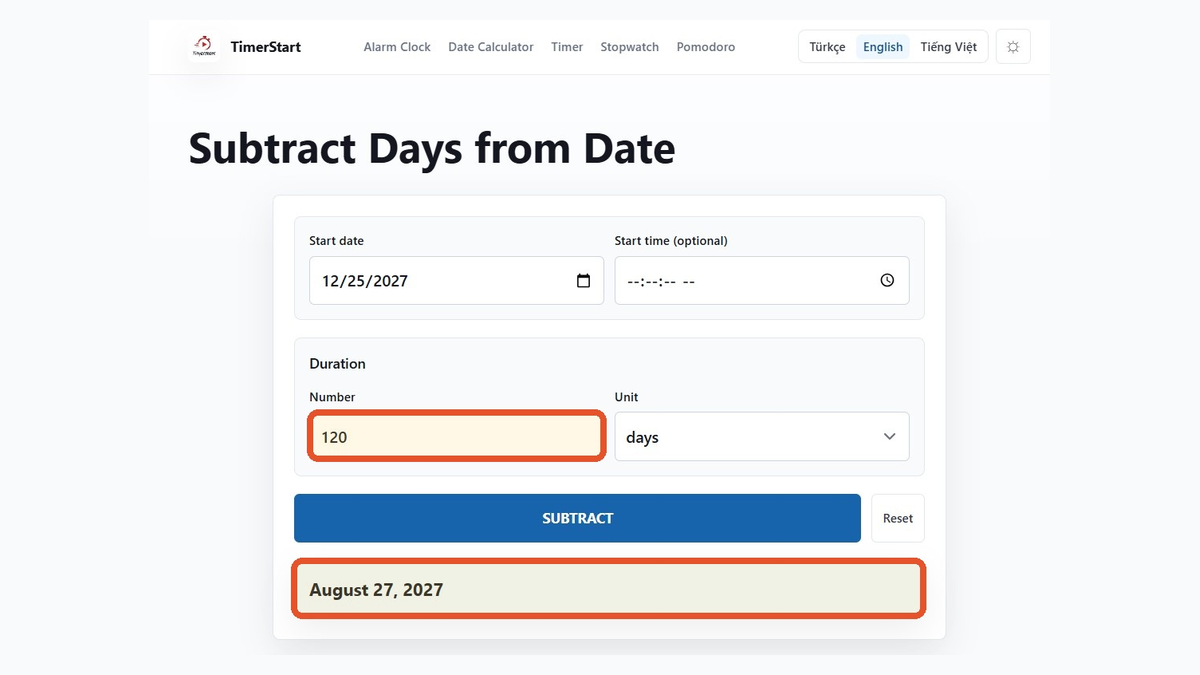
Quick Answer: Find the Date 120 or 180 Days Ago
There's no fixed answer printed here, because the actual date depends on today. What stays constant is the method: take today's date, subtract either 120 or 180 calendar days, and you have your answer.
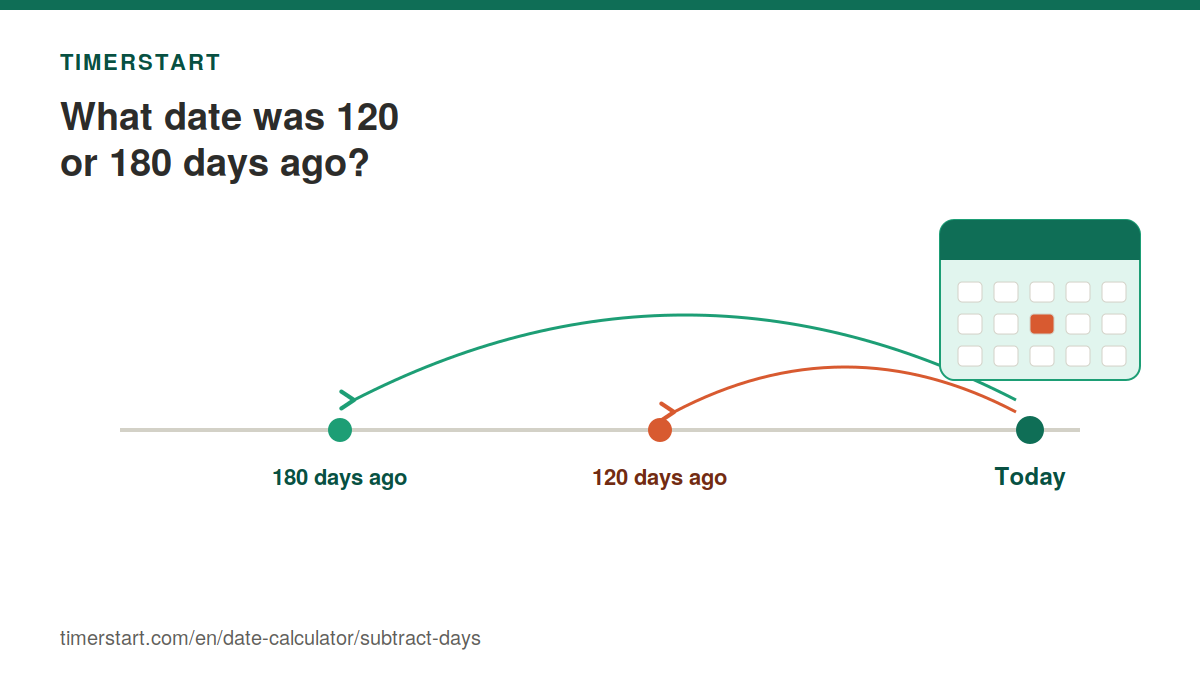
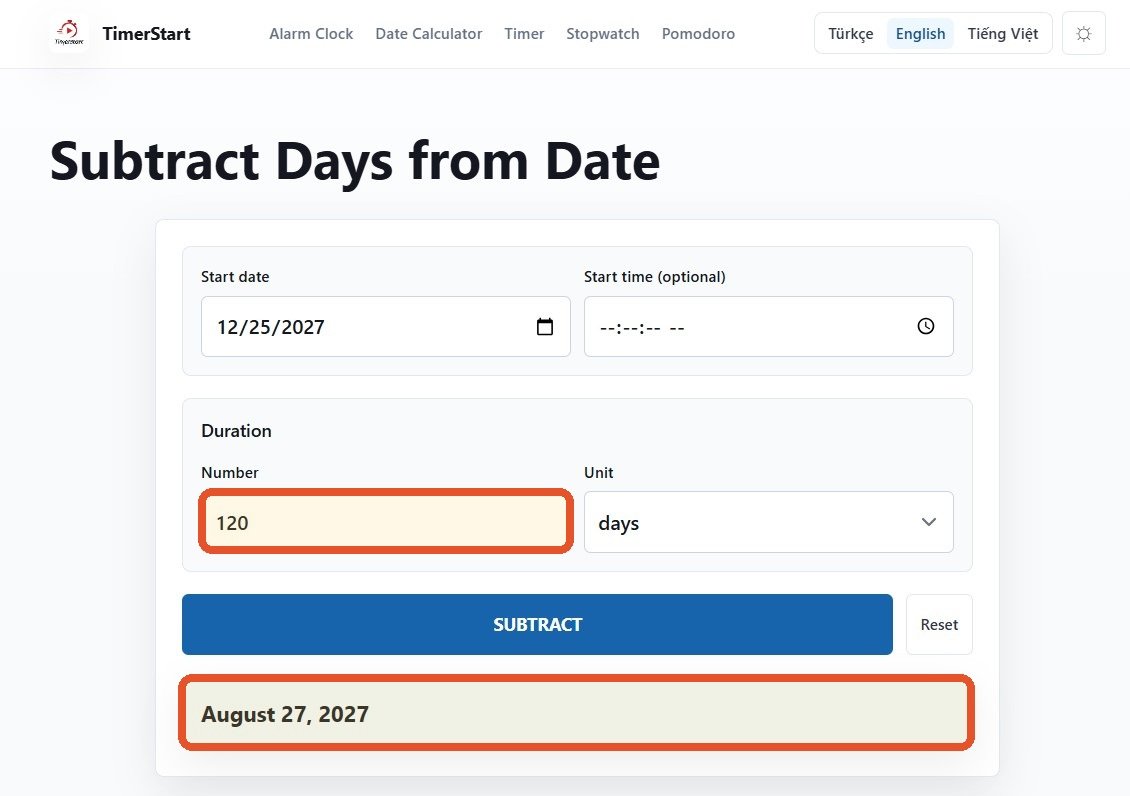
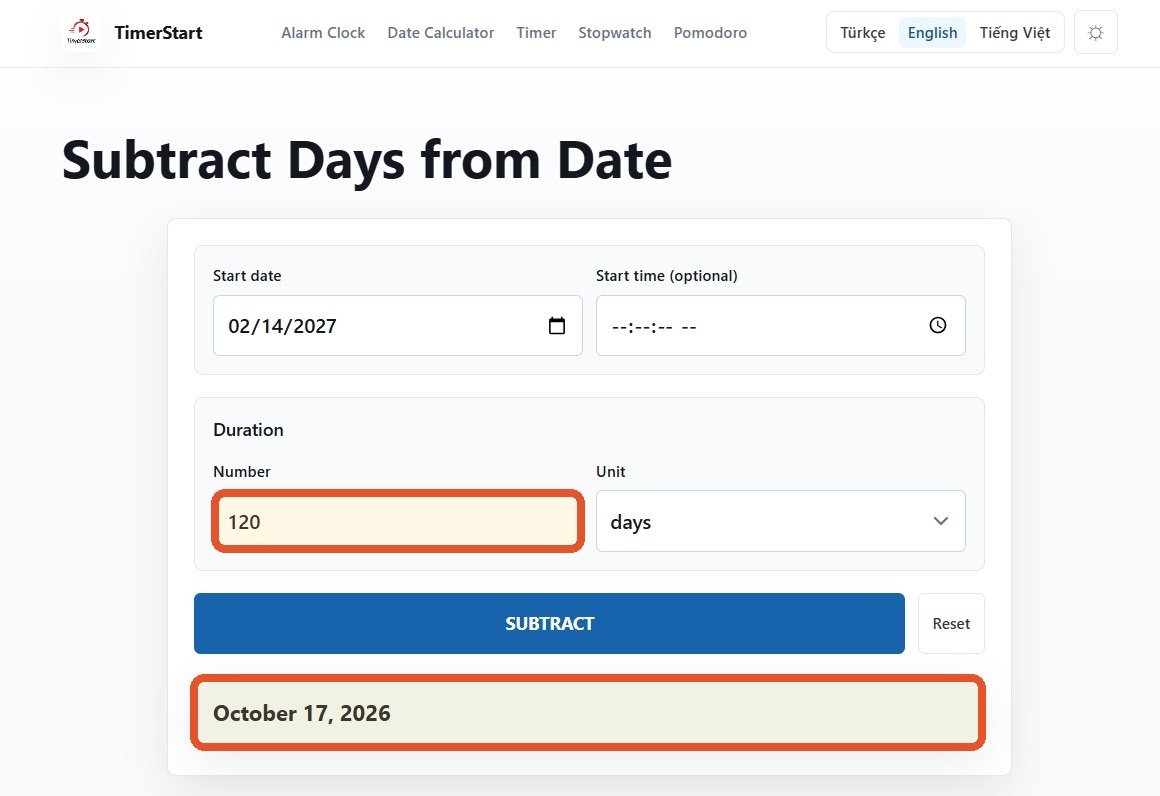
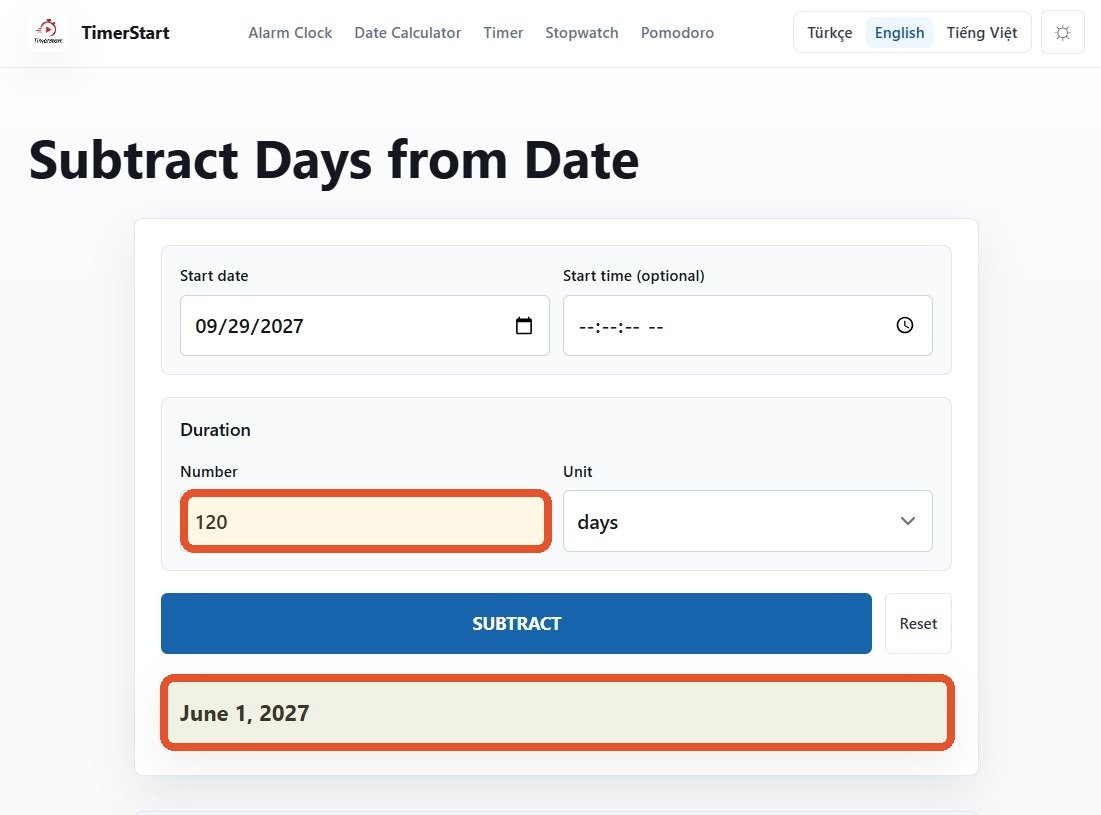
Open TimerStart's Subtract Days calculator, enter today's date, type in 120 or 180, and it'll hand you the exact earlier date - no need to flip backward through four or six months by hand, tracking which ones had 28, 30, or 31 days as you go.
Need today's exact result? Enter today's date and subtract either 120 or 180 days with TimerStart.
Calculate the Earlier Date Instantly
Use TimerStart's Subtract Days calculator to enter today's date, subtract 120 or 180 days, and find the earlier date instantly.
How to Calculate 120 Days Ago
Start from today, and move back 120 calendar days - weekends included, since ordinary calendar-day counting doesn't skip anything. Depending on where today falls, that stretch can cross anywhere from three to five calendar months, and exactly how far back you land depends on how long each of those months happened to be.
Here's a fixed example, just to show the mechanics rather than today's actual answer: from June 30, 2026, subtracting 120 days lands you on March 2, 2026.
Worth being clear about: that's a worked example based on a specific reference date, not today's result. Plug in today's actual date to get today's actual answer.
How to Calculate 180 Days Ago
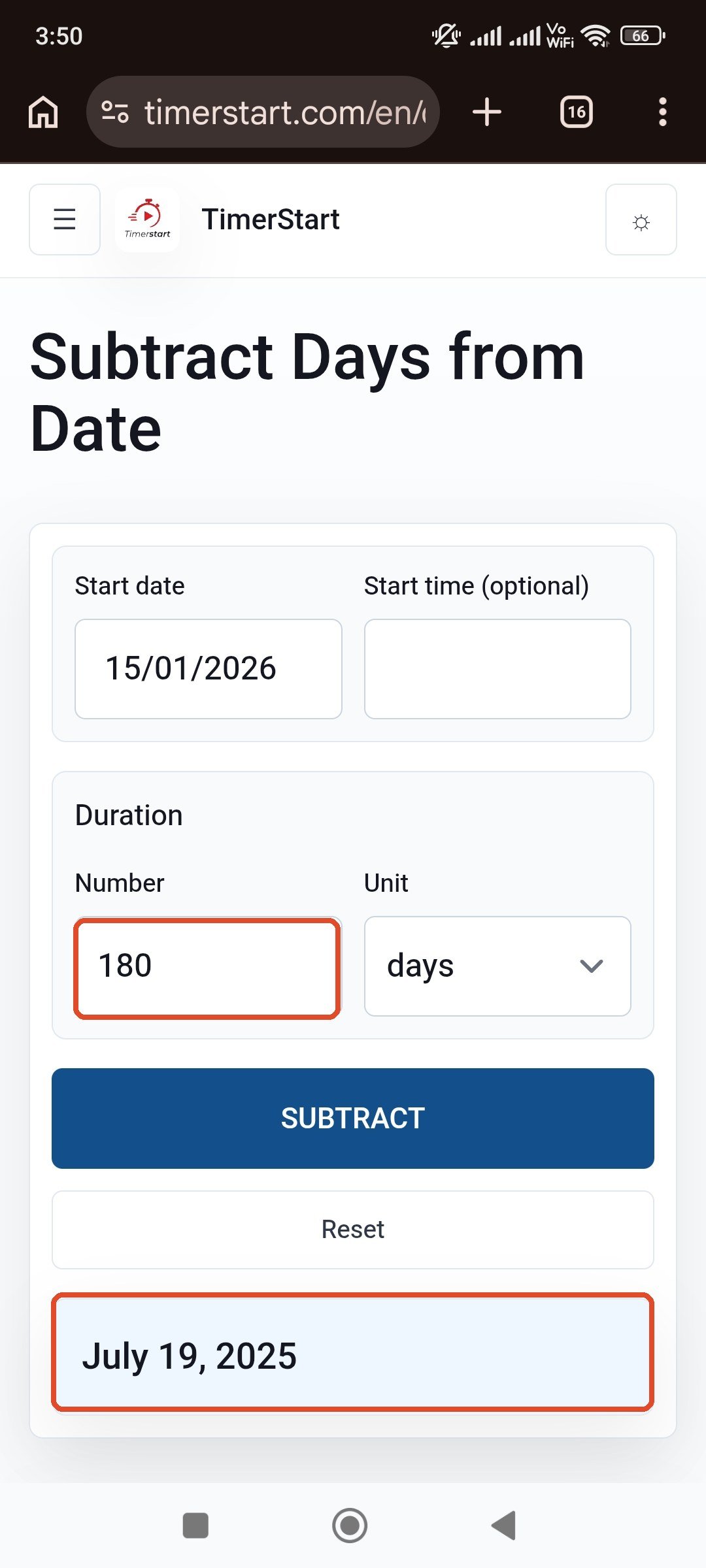
Same idea, longer stretch. Subtract 180 calendar days from today and you're covering roughly half a year - which can easily cross into the previous calendar year if today falls early enough in the current one.
Another fixed example: from June 30, 2026, subtracting 180 days lands you on January 1, 2026 - almost exactly six months back, though not automatically identical to "six calendar months ago," which we'll get into next.
Enter today's actual date and subtract 180 days in TimerStart to get the current result.
Is 120 Days Ago the Same as Four Months Ago?
Not reliably, no. Calendar months don't all run the same length, so "four months" can represent anywhere from about 118 to 123 days depending on which four months you're crossing. If someone tells you "120 days," that's a fixed, specific count. If they say "four months," that's a different kind of measurement entirely, and the two won't always land on the same date.
From June 30, 2026: subtracting 120 days gives March 2, 2026, while subtracting four calendar months gives February 28, 2026. Close, but not the same day - a few days apart, purely because of how February and the months around it happen to be sized.
The wording of whatever you're working from matters here. If it says days, use days. If it says months, use months.
Is 180 Days Ago the Same as Six Months Ago?
Same logic, longer timescale. Six calendar months can add up to more or fewer than 180 days depending on which six months are involved, so the two phrasings aren't guaranteed to match.
From June 30, 2026: subtracting 180 days gives January 1, 2026, while subtracting six calendar months gives December 30, 2025 - a couple of days apart. Use whichever unit the original requirement actually specifies, rather than assuming they're interchangeable.
Examples of 120- and 180-Day Lookbacks
A spread of fixed reference dates makes the pattern easier to trust than a single example would.
| Reference date | Days subtracted | Earlier date |
|---|---|---|
| January 15, 2026 | 120 days | September 17, 2025 |
| January 15, 2026 | 180 days | July 19, 2025 |
| June 30, 2026 | 120 days | March 2, 2026 |
| June 30, 2026 | 180 days | January 1, 2026 |
| September 1, 2026 | 120 days | May 4, 2026 |
| September 1, 2026 | 180 days | March 5, 2026 |
Replace the reference date with today's actual date, and the number of days with whichever one applies to your situation.
For shorter lookbacks - 30, 60, or 90 days ago - that's covered in a separate article, which goes deeper into those specific periods than this one does.
Calendar Days vs Business Days When Looking Backward
Worth a quick word on this, since it changes the answer. Calendar days include every date on the calendar - weekdays, weekends, all of it - which is what TimerStart's ordinary Subtract Days calculation works with. Business days are a different thing entirely: they typically skip weekends, often skip public holidays, and exactly which days count depends on the country, organisation, or policy involved.
For a standard 120- or 180-calendar-day lookback, every date gets included. If whatever you're working from specifically calls for business days instead, that's a separate calculation, and worth verifying against the actual rule that applies. For the broader distinction, read calendar days vs business days.
How Leap Years and Year Boundaries Affect the Result
Because 120 and especially 180 days stretch across such a long span, there's a decent chance the calculation will cross into the previous year, and a reasonable chance it'll pass through a February that has 29 days instead of 28. The number of days you're subtracting doesn't change - 120 is still 120 - but exactly where that lands depends on the specific months and years the calculation happens to cross.
June 30, 2026 minus 180 days lands on January 1, 2026 - into a new year, from a calculation that started mid-year. January 15, 2026 minus 180 days lands on July 19, 2025 - further back into the previous year still. TimerStart handles these transitions automatically; you don't need to track them by hand.
Practical Uses for a 120-Day Lookback
People reach for this kind of lookback in fairly specific, ordinary situations: reviewing how a project has progressed since a milestone, checking when an application or request actually went in, reviewing a longer billing or subscription period, tracing back to an earlier event-planning point, checking past communication, reviewing training or learning progress, or looking back at travel records.
One version of it: a project review happens on January 15, 2026. Looking back 120 calendar days from there lands on September 17, 2025 - a fixed example, not necessarily your own dates, but the same method applies either way.
Practical Uses for a 180-Day Lookback
Roughly the same list, stretched further out: reviewing a longer project period, checking a past renewal or membership date, reviewing older transactions, finding where a long follow-up period actually started, comparing progress over a longer stretch, reviewing travel or relocation prep, or checking older administrative records.
A record dated January 15, 2026, looked back 180 calendar days, lands on July 19, 2025. Worth remembering that "180 days" and "six months" aren't automatically the same date, even when they're close.
Common Mistakes When Calculating 120 or 180 Days Ago
A short list of what usually goes wrong: treating 120 days as exactly four months, treating 180 days as exactly six months, counting today itself as day one without checking whether that's the right convention, mixing up calendar days with business days, assuming weekends or holidays get skipped when they don't, misreading a numeric date format, relying on an old static answer that's no longer accurate, ignoring time-zone or cutoff details that matter for anything official, and treating an ordinary calculator result as professional advice.
Use TimerStart to Calculate 120 or 180 Days Ago
The process stays the same regardless of which of the two you need: open the Subtract Days calculator, select today's date, enter 120 or 180, and calculate. For anything genuinely important, it's worth verifying any specialized counting rule separately rather than relying on the calendar-day result alone.
A couple of related tools: the date calculator works out the number of days between two dates, and the Add Days calculator does the opposite of this article - moving forward from a date instead of backward.
Open TimerStart's Subtract Days calculator and enter 120 or 180 to find the exact earlier date from today.
More Date Calculator Guides
For nearby date questions, see calculate days between two dates, 30, 60, or 90 days ago, 120 or 180 days from today, 30, 60, or 90 days from today, subtract days from a date, add days to a date, and calendar days vs business days.
FAQs About 120 and 180 Days Ago
These answers cover the common questions people ask when calculating 120- and 180-calendar-day lookbacks.
What date was 120 days ago?
It depends on today's date - enter today into TimerStart's Subtract Days calculator along with 120 to get the exact answer.
What date was 180 days ago?
Same idea: the result depends on today, so use the calculator with 180 entered for the current answer.
How do I calculate 120 days ago?
Take today's date and count back 120 calendar days, or let the Subtract Days calculator do it instantly.
How do I calculate 180 days ago?
Same method, just a longer stretch - count back 180 calendar days from today, or use the calculator.
Is 120 days ago the same as four months ago?
Not necessarily. Calendar months vary in length, so the two can land on different dates.
Is 180 days ago the same as six months ago?
Also not guaranteed - six calendar months can add up to more or fewer than 180 days depending on which months are involved.
Are weekends included when subtracting 120 or 180 days?
Yes, in an ordinary calendar-day calculation. Every date counts, weekends included.
Are public holidays included?
In a calendar-day calculation, yes. Business-day rules are separate and may exclude them.
Can TimerStart calculate business-day lookbacks?
No - it works with calendar days. Confirm the exact rule separately if your situation specifically requires business days.
Do I count today as the first day?
No. Today is day zero; counting starts from the day before it.
Can a 180-day calculation cross into the previous year?
Yes, quite easily, especially if today falls in the first half of the year.
Does a leap year affect the result?
Yes, if the calculation crosses a February in a leap year - that month runs 29 days instead of 28, which shifts the result.
Can I calculate 120 or 180 days before another date?
Yes - the reference date doesn't have to be today. Any date can be your starting point.
Can I use the result for an official deadline or eligibility period?
Treat it as a helpful starting point rather than a final answer. Legal, tax, immigration, medical, financial, and employment lookback periods often use specialized counting rules - confirm anything important with the relevant authority or a qualified professional.
What if I need to calculate a future date instead?
That's the Add Days calculator - same idea, opposite direction.